Part C of the series. Part A covers serialization by namespace, Part A2 covers pass-through. This part answers one question: when you open the corpus in each editor's own running application, what does that application put on the page — and how does it compare with what Microsoft Word puts on the page?
TL;DR
Every editor was hosted locally, the corpus was loaded into the running application, and the application was screenshotted. Eleven of the fourteen render the document. One has no user interface at all. One crashes on it.
The headline results:
Eleven editors render the corpus recognisably as the same document: SuperDoc, Folio, GenOffice, eigenpal, Docen, WordCraft, Plate.js, docs.plus, Fidus Writer, LibreOffice and Apryse WebViewer. LibreOffice and Apryse WebViewer also reproduce Word's pagination exactly (6 pages) and every page furniture — the header, the page number, the footer, the footnote body at the foot of its page and the landscape section. Apryse, the one commercial tool, keeps the comment only in a side panel and draws its trial watermark on every page (§2.14).
One editor is on the good side of all three axes at once. Docxodus — a .NET OOXML engine published as WebAssembly — reproduces Word's pagination (6 pages) and Word's page geometry to the pixel, keeps all 35 parts of the corpus with zero changed and zero dropped, keeps every
w:element and thew15/w16cid/w16du/w10namespaces that nine of the other thirteen lose, has zero dangling relationship references, scores 100.0 % on the 99-check round-trip test, and produces a file Word opens and renders pixel-identical (0 differing pixels across 6 pages; SuperDoc: 0).Two editors disagree with Word about what the reader sees. Docen renders the chart with three differently-coloured bars and a three-entry legend ("Cat A / Cat B / Cat C") where Word draws one blue series called "Series 1"; GenOffice draws a labelled placeholder band where Word leaves the SmartArt band completely blank.
Two editors fail on this file, in different ways. Canvas-Editor throws
TypeError: Cannot read properties of undefined (reading 'width')insideTableParticle.computeRowColInfoand renders only the header and footer — the entire body fails. The trigger has been isolated by bisection to a vertical merge and a horizontal span in the same table (§2.8). Fidus Writer renders the text but its editor DOM contains no table, no chart, no SmartArt band, no OLE object, no equation and no text box — Fidus's DOCX importer has now:tblhandling at all — and its template-adjustment worker throwsRangeError: Invalid content for node titleon the corpus's first heading, which leaves the "Updating document. Please wait…" cover permanently on screen (§2.11).One editor is not an editor. Office-Open ships no user interface whatsoever — it is a headless library. What §2.6 shows is its parse model rendered by a host page, which is a weaker claim than "this is what the product shows" and is labelled as such throughout.
Three editors show the reader different text, not just a different picture. Plate.js and docs.plus render the
mc:Fallbackbranch of the text box — "AlternateContent fallback text" — where Word renders themc:Choicebranch, "Text box content". Docxodus renders a "[MATH]" chip where Word typesets E = mc². And docs.plus moves the footnote and endnote bodies to the end of the document as a numbered list instead of placing them at the foot of their page.The chart is the most fragile construct in the document. Three editors do not draw it at all — Folio, Plate.js and docs.plus — one draws it wrong, and Docxodus draws it right but without the axis ticks.
The SmartArt claim in the previous draft of this report was correct, and is now proven rather than asserted — and corroborated by a second engine. Word draws zero pixels in the 469,131-pixel band where the corpus's diagram sits. A positive control — the same band filled with a checkerboard — lights up with 269,641 differing pixels, so the measurement is demonstrably sensitive. Docxodus independently reserves the same band and draws a "[SMARTART]" placeholder in it, naming the element that defeated it (
relIds). §5 gives the full argument, including a control that is inconclusive and is reported as inconclusive.
1. Method
1.1 The six steps
The method for this part is fixed, and each step exists to remove one specific way the measurement could be wrong.
| Step | What was done | What it rules out |
|---|---|---|
| (a) get the files | One input: fixture/complex.docx, a 35-part adversarial DOCX. Each editor's own exported DOCX is a separate artefact, used only in §6. |
Comparing each editor against a different input than the others. |
| (b) host the tool locally | Each editor's own dev server / demo app / native application, started from repos/, on its own port. |
Measuring a hosted SaaS demo, a CDN build, or a re-implementation. |
| (c) load the file with the tool | The corpus was opened through the editor's own import path — its file input, its ?file= fixture parameter, its Word-plugin API, or its native open. |
Measuring a hand-built model of the document instead of the editor's reading of it. |
| (d) let it render | The application was left running until its own ready signal (status bar, canvas count, layout settle). | Measuring a half-loaded document. |
| (e) screenshot the app | A Playwright screenshot of the running application showing the rendered document. | Measuring a headless export, which is a different question. |
| (f) compare with Word | Word's own PDF export of the same corpus, rasterised at 200 dpi, side by side with the editor's screenshot. | Comparing against a proxy renderer's idea of Word. |
1.2 Why Word's own PDF export is the reference
Word 16.115 was driven through AppleScript to export the corpus to PDF
(build/word_pdf.py). That PDF is the application's own output, and it is the
only rendering in this study produced by the application the document was
written for. Its six pages were rasterised to PNG at 200 dpi and are the
"Word" column of every comparison below.
One trap is worth recording because it invalidates a whole class of
measurement. Word's exported PDF has a damaged cross-reference table:
pdftotext prints Internal Error: xref num 55 not found but needed, try to reconstruct and silently recovers only part of the text layer — 166 of the
lines a full page-6 document should have, against mutool convert -F txt's
186. Anything measured from the text layer of a Word export is therefore
partly missing, and missing in a way that is invisible unless you diff it
against the page images. Two constructs in this corpus are drawn by Word as
vector outlines and are consequently absent from the text layer and
from mutool draw -F txt: the w14:textOutline run and the OMML equation.
A text-diff-based comparison reports both as MISSING when Word in fact drew
them.
Every rendering measurement in this report is therefore made on pixels, not on extracted text.
1.3 A second measurement layer, and why it is separate
Step (e) captures what the application displays. That is the right question for this report, and it is also a qualitative measurement: a screenshot shows a reader what is there, and a careful reader can compare it.
But a screenshot cannot be differenced automatically, so this report keeps a second, quantitative layer: each editor's exported DOCX is re-opened by Word (or by LibreOffice where Word refuses the file) and compared with Word's rendering of the corpus pixel by pixel. That layer answers a different question — did the round trip preserve the rendering — and §6 reports it separately. The two layers disagree in several places, and §7.3 publishes those disagreements rather than reconciling them.
1.4 The corpus, as Word renders it
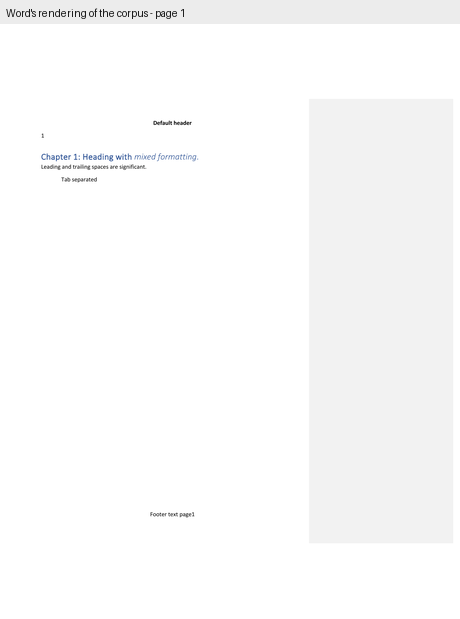
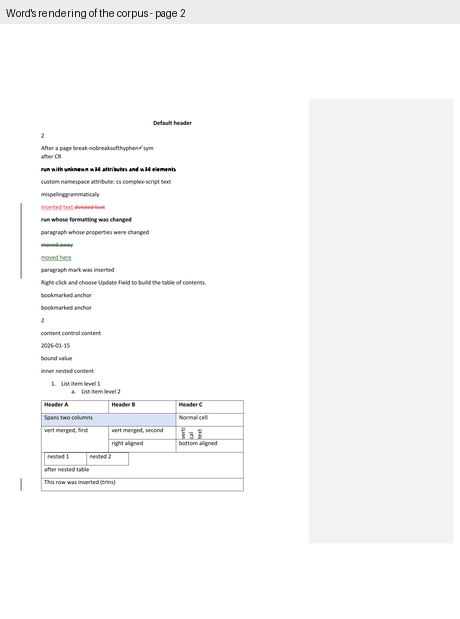
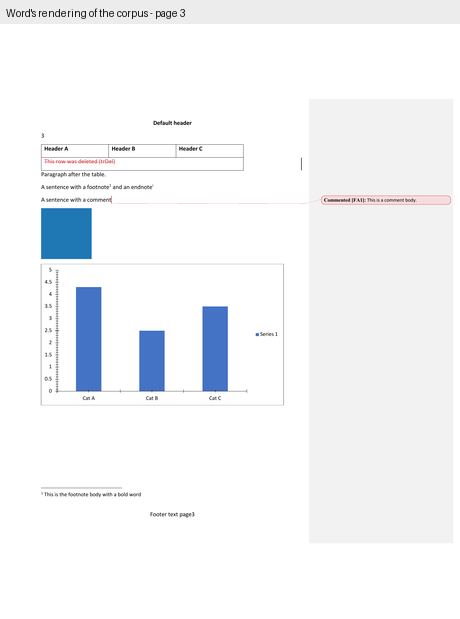
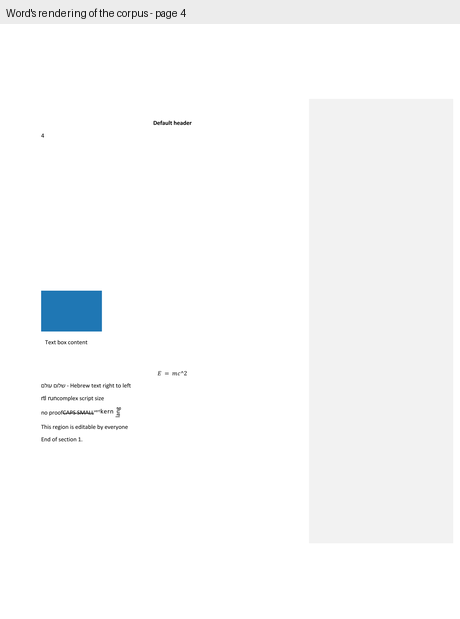
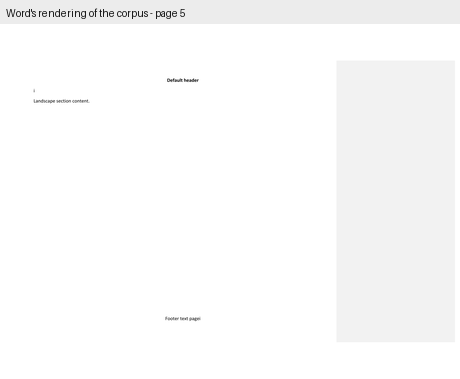
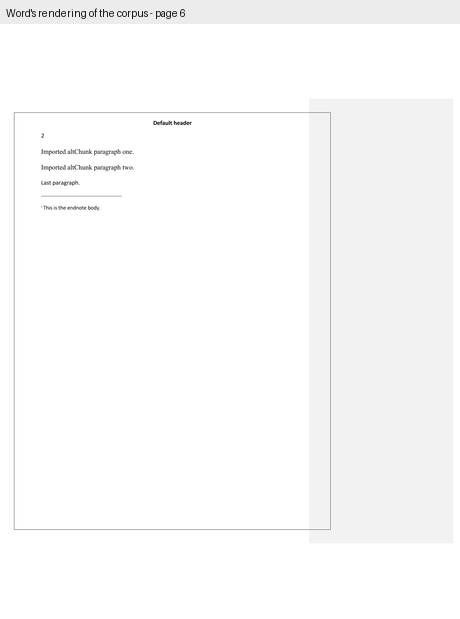
Six pages: three portrait, one landscape in two columns, one portrait with a
page border. The interesting content is on page 3: a three-column table
with a deleted row, a paragraph, a footnote and an endnote reference, a
comment, the blue fixture picture, the bar chart, the SmartArt band, the OLE
object, the mc:AlternateContent text box, the OMML equation and the
w14:textOutline run.
One detail of Word's own rendering that changes how the band must be
measured. Word exports the corpus in Print Markup mode: the comment
balloon panel is visible on the right, and the whole page is scaled down by
a factor of 0.7485 to make room for it. That is why the 1-inch left margin
appears at 0.75 inches and why the chart's nominal 6.0-inch width is drawn
4.49 inches wide. The SmartArt band is 4.49 in × 2.62 in as rendered —
897 × 523 pixels at 200 dpi — even though its wp:extent says 6.0 in ×
3.5 in.
2. The editors, one at a time
Each subsection states how the tool was hosted, what the screenshot shows, and how it differs from Word. The figures put Word's page and the editor's screenshot side by side.
2.1 SuperDoc — the closest thing to a Word clone
Hosted: the repo's own examples/vanilla app, vite on port 5199. The
app requests /sample.docx; Playwright's request interception returned the
corpus bytes for that path instead, so the repo was not touched.
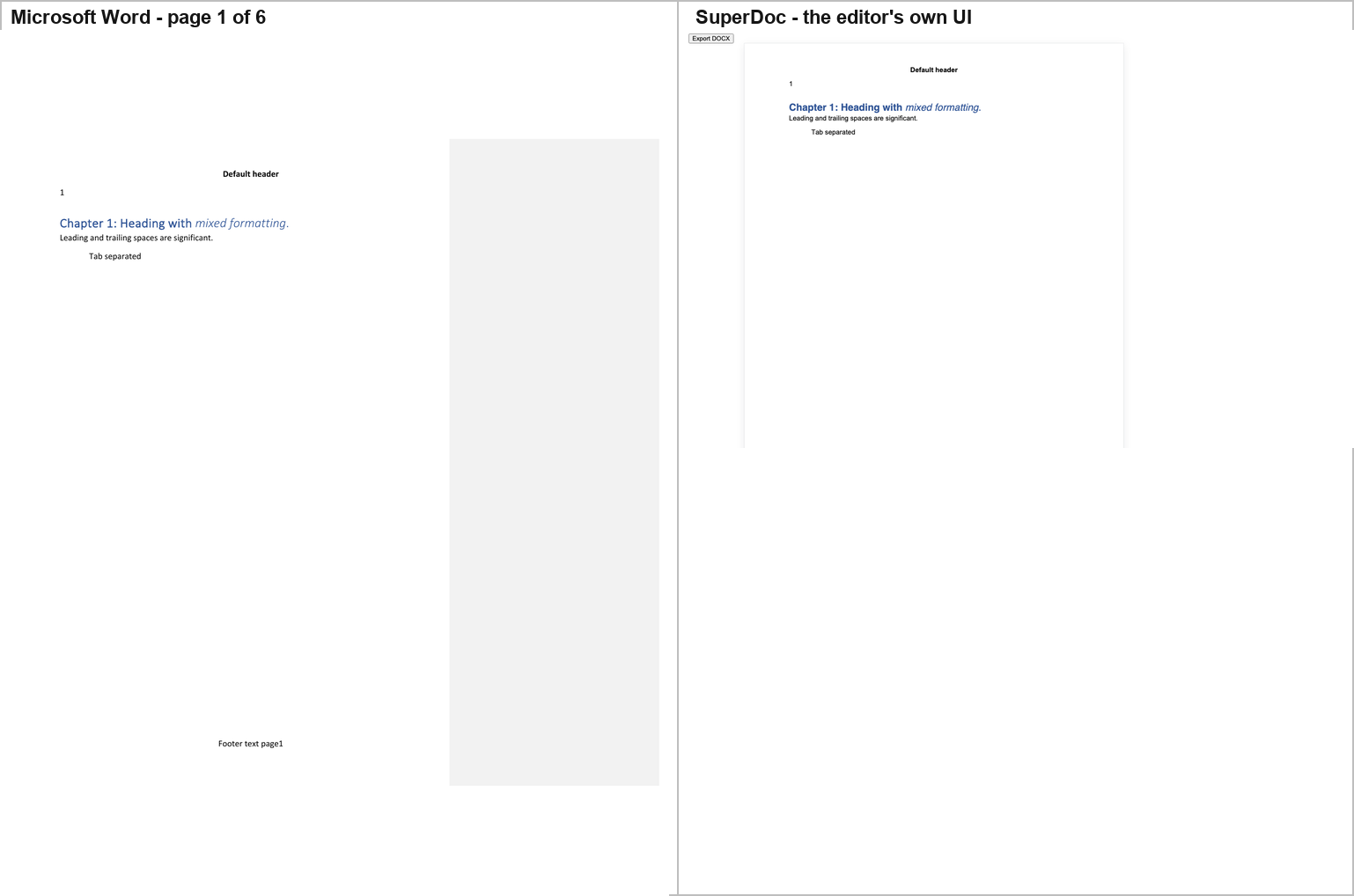
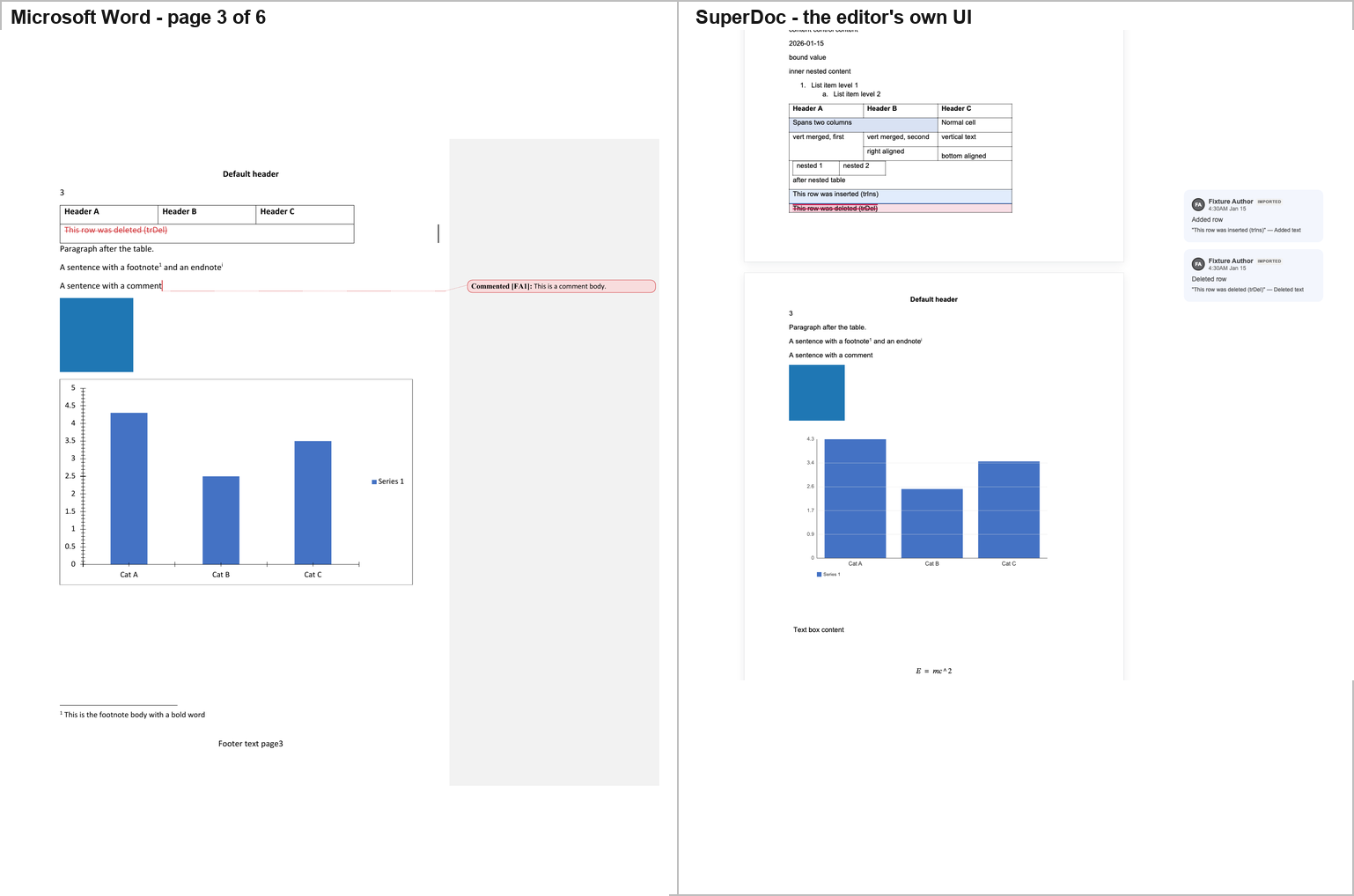
SuperDoc shows the table with the inserted row highlighted and the deleted row
struck through in red, the blue picture, the chart with its blue bars, its
"Cat A / Cat B / Cat C" axis labels and its "Series 1" legend, the
mc:Choice text box reading "Text box content", the equation E = mc²,
and the comment in a right-hand review sidebar with two cards — one for the
inserted row and one for the deleted row, both attributed to "Fixture Author".
Differences from Word: the comment is shown as review cards in the application's own sidebar rather than as a Word-style balloon with a dotted leader; and SuperDoc's own console warns that Calibri and Calibri Light are missing and that fallback fonts are being used, which can move line and page breaks.
2.2 Folio — everything except the chart
Hosted: repos/folio/packages/playground (vite, port 5207). The
playground loads ?file=… from /fixtures/…; the corpus was intercepted at
that path.
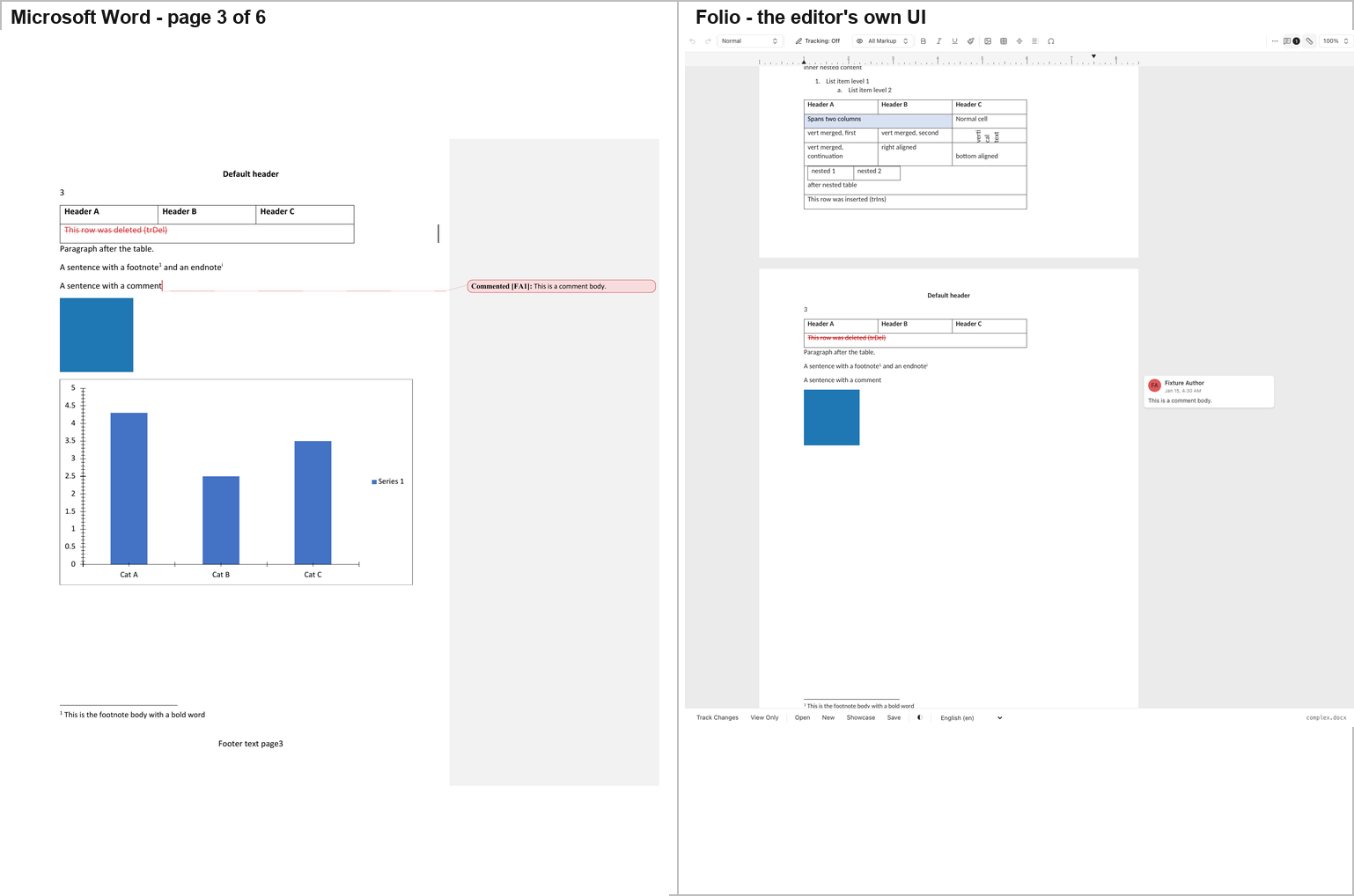
Folio is one of two tools in the study, with Docxodus (§2.13), that reproduce Word's comment balloon — a rounded card in the right margin reading "Fixture Author / Jan 15, 4:30 AM / This is a comment body." — and it reproduces the tracked-change table exactly as Word does: the inserted row plain, the deleted row struck through in red.
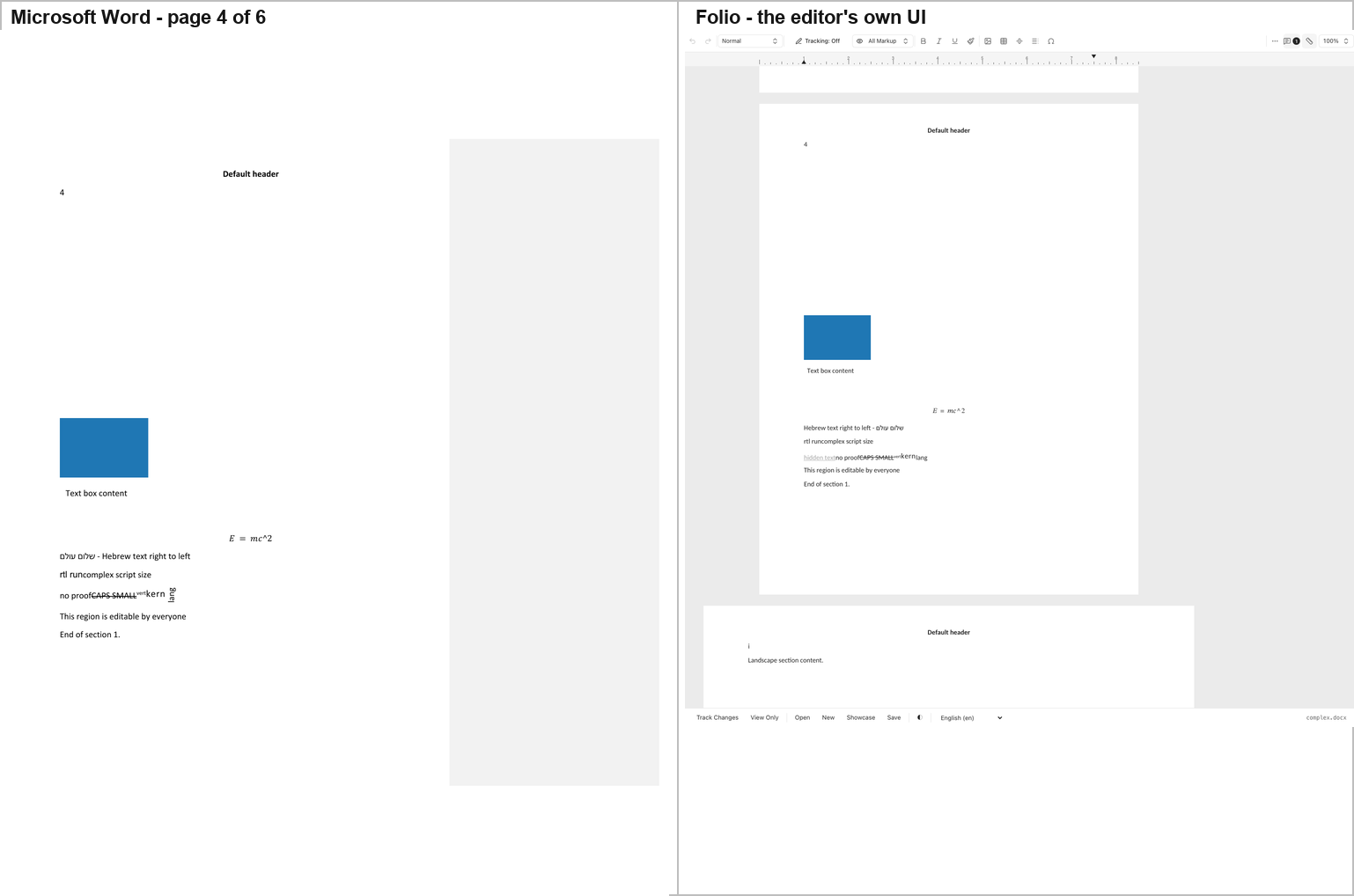
But Folio does not draw the chart. In the page-3 screenshot the area where Word draws a full bar chart is blank white. A probe of Folio's rendered DOM confirms it: the text "Cat A" and "Series 1" — which Word draws twice each — do not exist anywhere in Folio's rendered output, while "Text box content", the Hebrew run and "hidden text" do. The chart is not mislabelled or mis-scaled; it is absent.
Differences from Word: no chart; the equation is absent; the altChunk
content is not imported; and Folio shows the w:vanish ("hidden text")
run, which Word hides.
2.3 GenOffice — the only editor that draws the SmartArt's node texts
Hosted: repos/genoffice/apps/docs is an Electron application whose
renderer is ordinary web code. The renderer was served directly by vite
(port 5201) from a Vite config kept outside repos/, with a browser-side
stand-in for the window.desktop bridge the Electron preload would install.
The editor, the DOCX parser (@genoffice/docx-engine) and the whole
pagination stack are the repo's own, unmodified code.
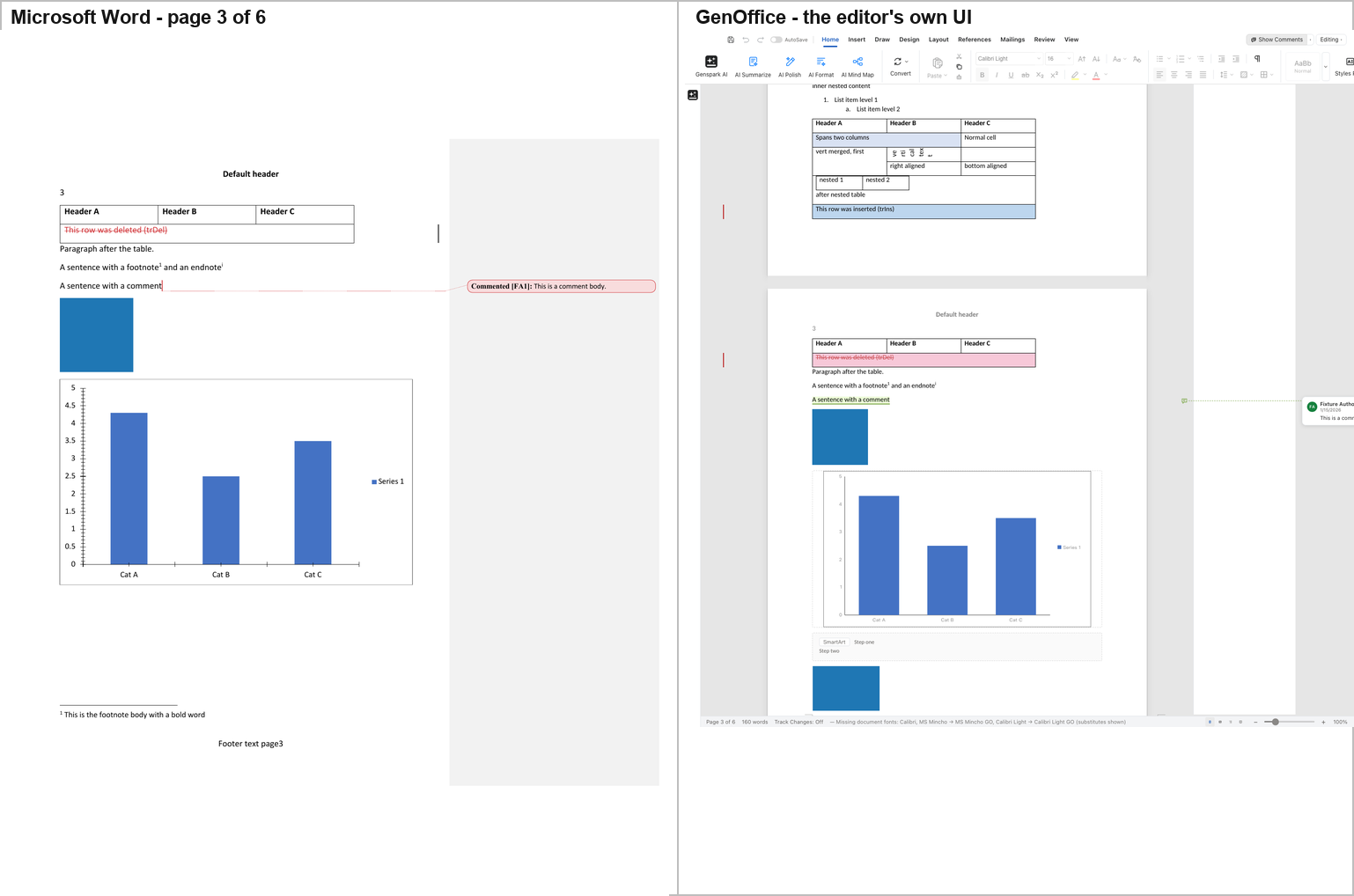
GenOffice paginates the corpus into 6 pages — the same count as Word —
and draws the picture, the chart (as SVG, with the correct bar heights of
4.3 / 2.5 / 3.5 and the correct axis labels), the mc:Choice text box, and
the OLE object's blue rectangle.
The one striking difference is the SmartArt band. Where Word reserves an empty white band, GenOffice draws a dashed grey band labelled "SmartArt" containing the node texts "Step one" and "Step two". The two editors show the reader different information in the same place: Word shows nothing, GenOffice shows the diagram's data as text.
Tracked changes are new in this release. At the commit Report C first
measured (a538d04, 2026-10-29) GenOffice hid every deletion and drew
insertions as plain black text. At the current pin it draws them the way Word
does: insertions underlined in red, deletions struck through in red, the
w:moveFrom / w:moveTo pair in green, formatting balloons in the margin
("Formatted: Bold, Not Italic"), the inserted table row tinted blue and the
deleted row struck through on a pink tint, and the comment as a card with its
body. The older commit, captured again with the same script, reproduces the
earlier picture pixel for pixel, so the change is GenOffice's, not the
harness's. One side effect is visible: the table now breaks across pages 2
and 3, with the deleted row on page 3 under a repeated header row.
Other differences from Word: the equation is MathML at 11 pt with a literal
^ instead of a raised exponent; the w14:textOutline run is applied as
-webkit-text-stroke on already-black text and is therefore invisible; and
GenOffice drops the vertical-merge cell's continuation text.
2.4 eigenpal — a near-exact page-3 reproduction
Hosted: repos/eigenpal-docx-editor/examples/vite (the React demo), port
5206. The DOCX file input was selected by its accept attribute
(.docx,application/vnd.openxmlformats-officedocument.wordprocessingml.document)
rather than by position, because the demo's first file input is the inline
image uploader.
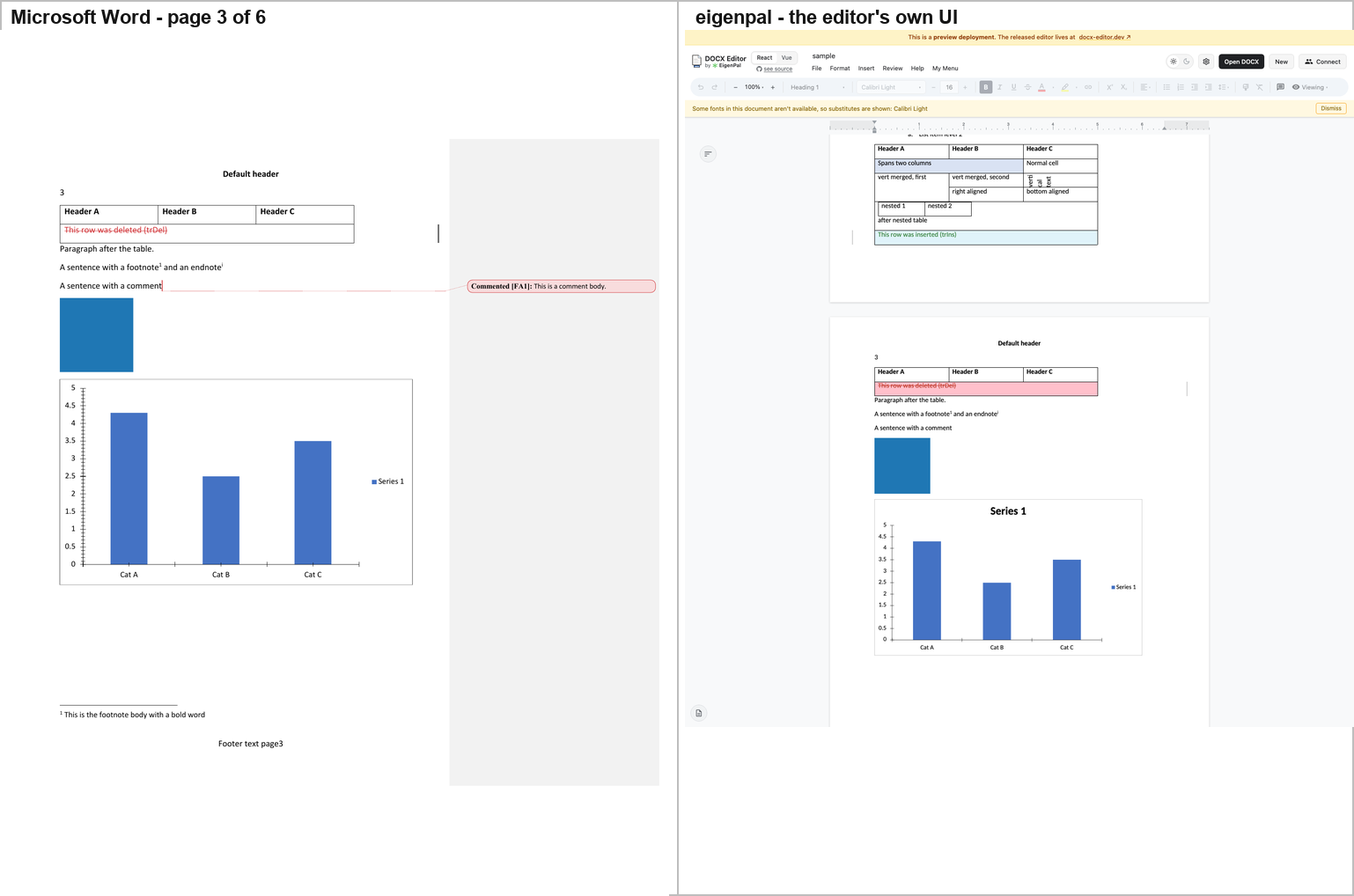
eigenpal's page 3 is very close to Word's: the same table with the same merged cells and the same nested table, the inserted row highlighted green, the deleted row struck through on a pink background, the blue picture, and a chart that reproduces Word's "Series 1" title above the plot, the 0–5 value axis with 0.5 steps, the "Cat A / Cat B / Cat C" categories and the "Series 1" legend.
Differences from Word: the commented range is drawn as plain text with no marker, no highlight and no balloon; the application's own banner reports that Calibri Light is unavailable and a substitute is in use.
2.5 Docen — right page count, wrong chart
Hosted: the repo's own demo, packages/editor → vp dev, port 5202.
Docen's only file input lives inside a shadow root and is hidden, so the
corpus was set on it with Playwright's setInputFiles directly.
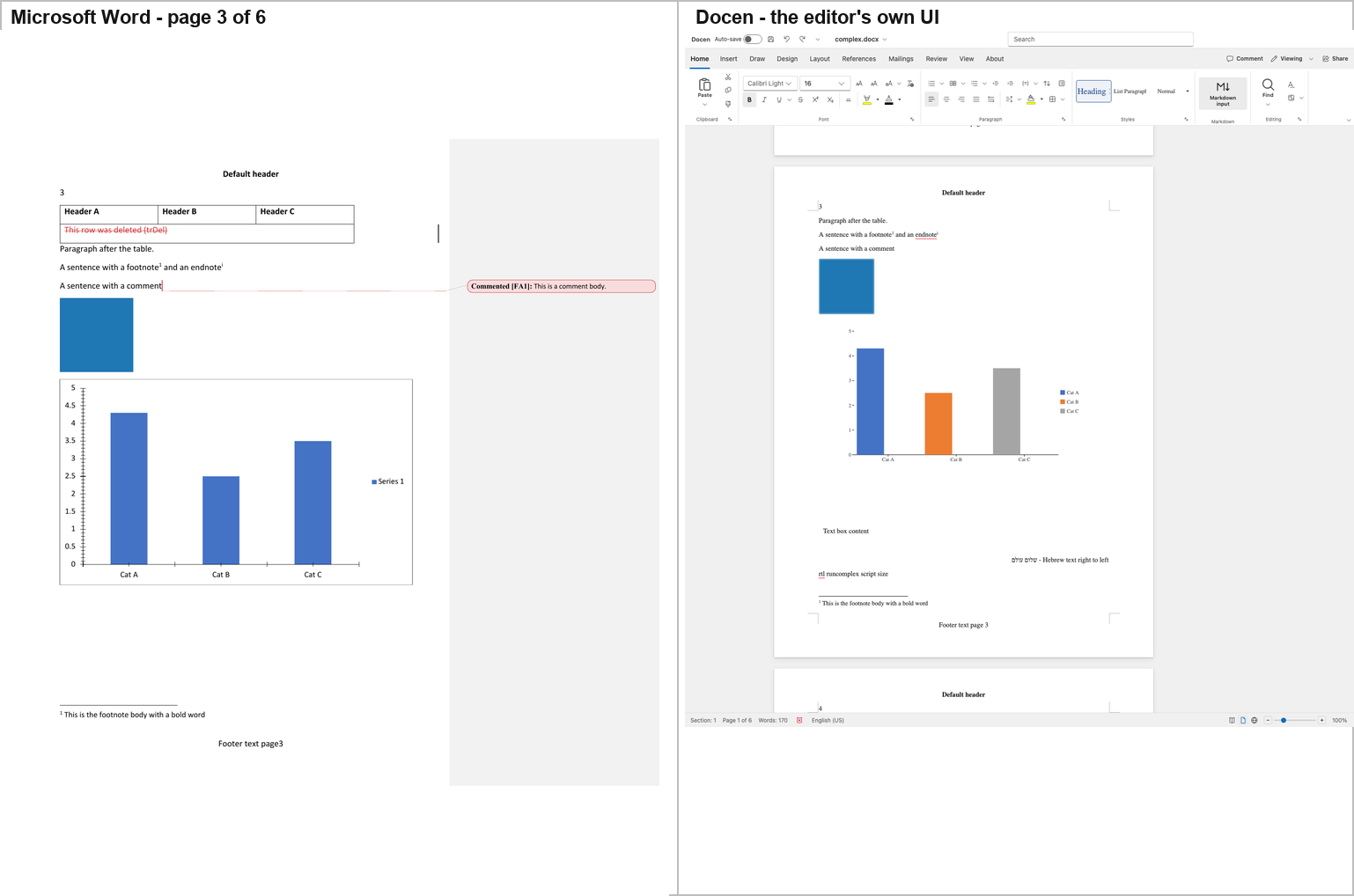
Docen paginates the corpus into 6 pages, in a full Word-like ribbon
application, and draws the table with its merged cells, nested table and
tracked-change rows, the blue picture, the footnote marker and the footnote
body with its separator rule, and the mc:Choice text box reading "Text
box content".
But the chart is wrong in a way that is visible at a glance. Word draws three identical blue bars with a single legend entry "Series 1". Docen draws three differently-coloured bars — blue, orange and grey — with a three-entry legend "Cat A / Cat B / Cat C". The bar heights (4.3 / 2.5 / 3.5) and the category labels are right; the series is wrong, because the chart's single series has been read as three.
Other differences from Word: the OLE object is not drawn; the equation is
not drawn; the endnote marker is drawn but its body never is; the comment
produces no marker and no balloon; w:moveFrom / w:moveTo come out as
two empty paragraphs; the altChunk becomes a dashed placeholder reading
"altChunk (not rendered yet)"; the w:vanish run is shown where Word hides
it; and Docen adds red spell-check squiggles that Word's export has not.
2.6 Office-Open — a library, not an editor
Hosted: Office-Open has no editor UI. repos/office-open/packages/
holds fifteen libraries; the only runnable web app is the Nuxt documentation
site, whose assistant is generate-only and cannot ingest a file. The
packages were built (@office-open/xml, @office-open/core,
@office-open/docx) and a host page under harness/ui/officeopen/ calls the
library's public parseDocument() on the corpus and renders the resulting
model. The content and construct fidelity in the screenshot is
Office-Open's; the page layout is the host's. That distinction is stated
wherever the result is used.
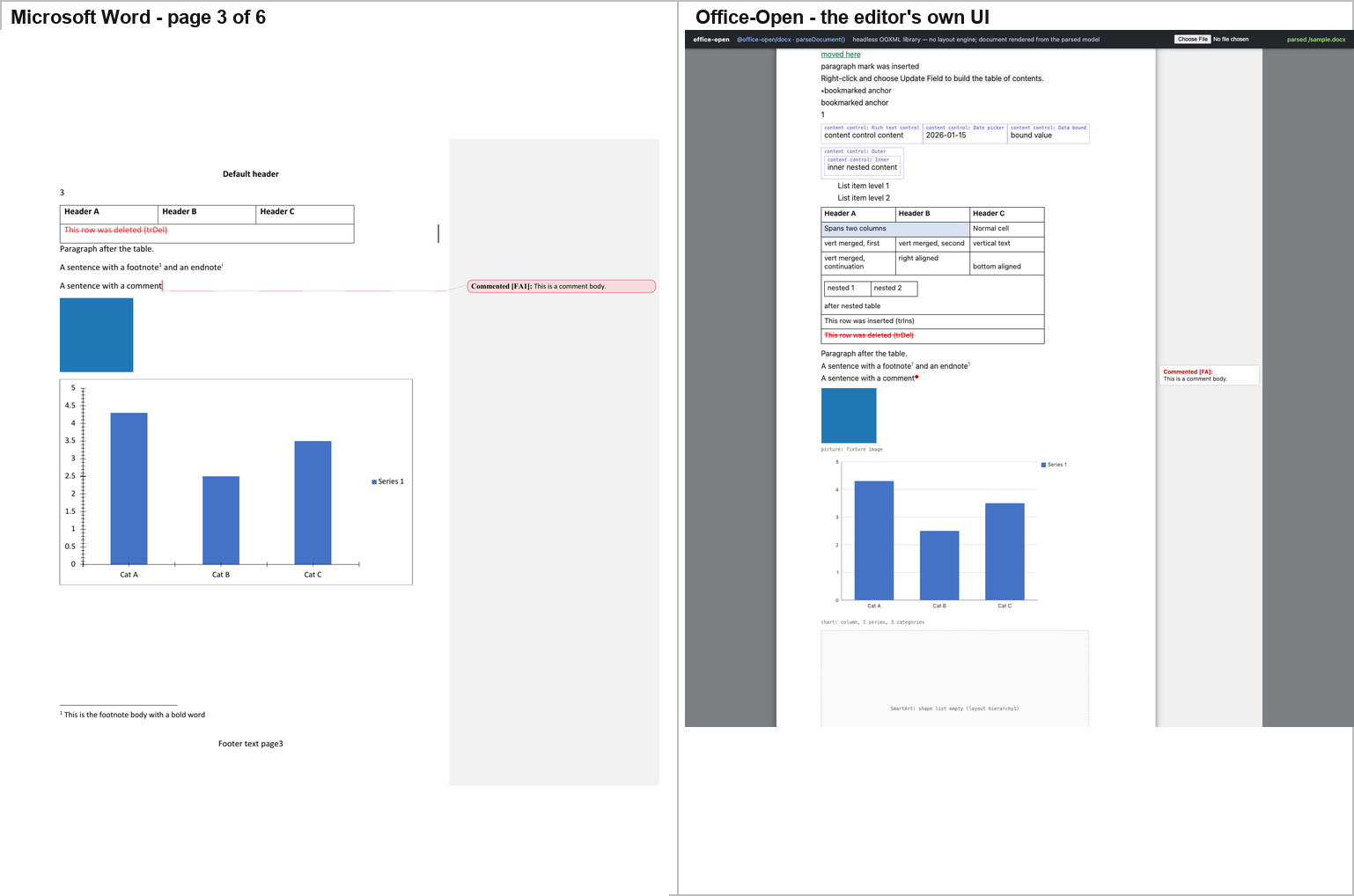
The parse model retains every construct in the corpus: the picture, the
chart (type, series, categories, values, axes, legend), the text box (as a
wpsShape with the text "Text box content" — and the raw mc:Fallback VML
kept verbatim as well), the OLE object with its embedded document and its
icon image, the equation, the w14:textOutline run, the footnote, the
endnote, the comment, and the full set of revision markup (insert, delete,
format change, paragraph-mark change, moveFrom/moveTo, row insert/delete).
The decisive difference is that Office-Open has no page model. The parsed
model contains no pagination at all — no page count, no page boxes, no line
breaking. Word's 6 pages become one continuous flow per section: measured on
the host page, section 0 laid out to 2,596 px against a 1,056 px page.
PAGE fields are rendered from their cached value ("1"), not computed.
Office-Open's exported file has a broken chart reference, and this is
independent of its UI. On the original corpus there are zero
dangling relationship references: word/document.xml uses nine r: ids and
word/_rels/document.xml.rels defines all of them, including
rIdChart → charts/chart1.xml. The defect is export-side — see §6.3.
2.7 WordCraft — its own renderer, and it is very good
Hosted: WordCraft is a native Rust application. It ships a CLI that renders a document with the engine the application itself uses, so the "rendering" is WordCraft's own layout engine:
repos/wordcraft/target/release/wordcraft-cli render fixture/complex.docx \
    out/ui/wordcraft/page3.png --page 3
wordcraft-cli info reports 6 pages, 54 paragraphs, 1 comment — the same
page count as Word.
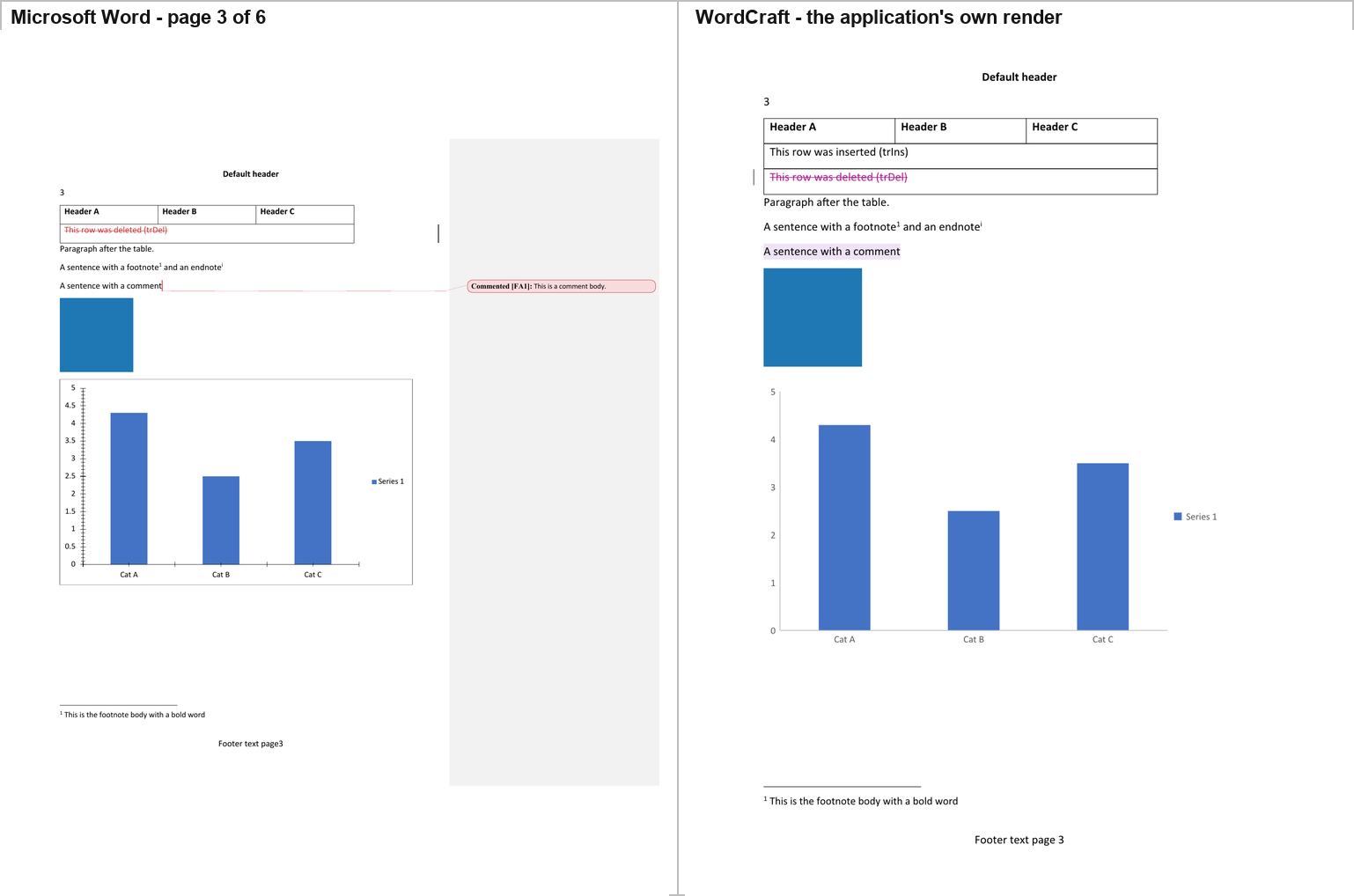
WordCraft's page 3 reproduces the table (Header A / B / C, the inserted row, the deleted row struck through in magenta), the blue picture, the chart with the correct bar heights and the "Series 1" legend, the footnote body and the footer.
Differences from Word: the chart is redrawn from WordCraft's own model — the same bars and the same labels, but WordCraft's own axis, which is why §6 measures 28,837 differing pixels here against 0 for SuperDoc; and the comment has a highlighted anchor but no balloon and no body text.
2.8 Canvas-Editor — the body does not render
Hosted: Canvas-Editor's core (@hufe921/canvas-editor 1.0.6) plus the
official DOCX plugin (@hufe921/canvas-editor-plugin-docx), both aliased to
repo source in a host app under harness/ui/canvas/. The host calls the
same public API the official plugin demo calls:
command.executeImportDocx({ arrayBuffer }).
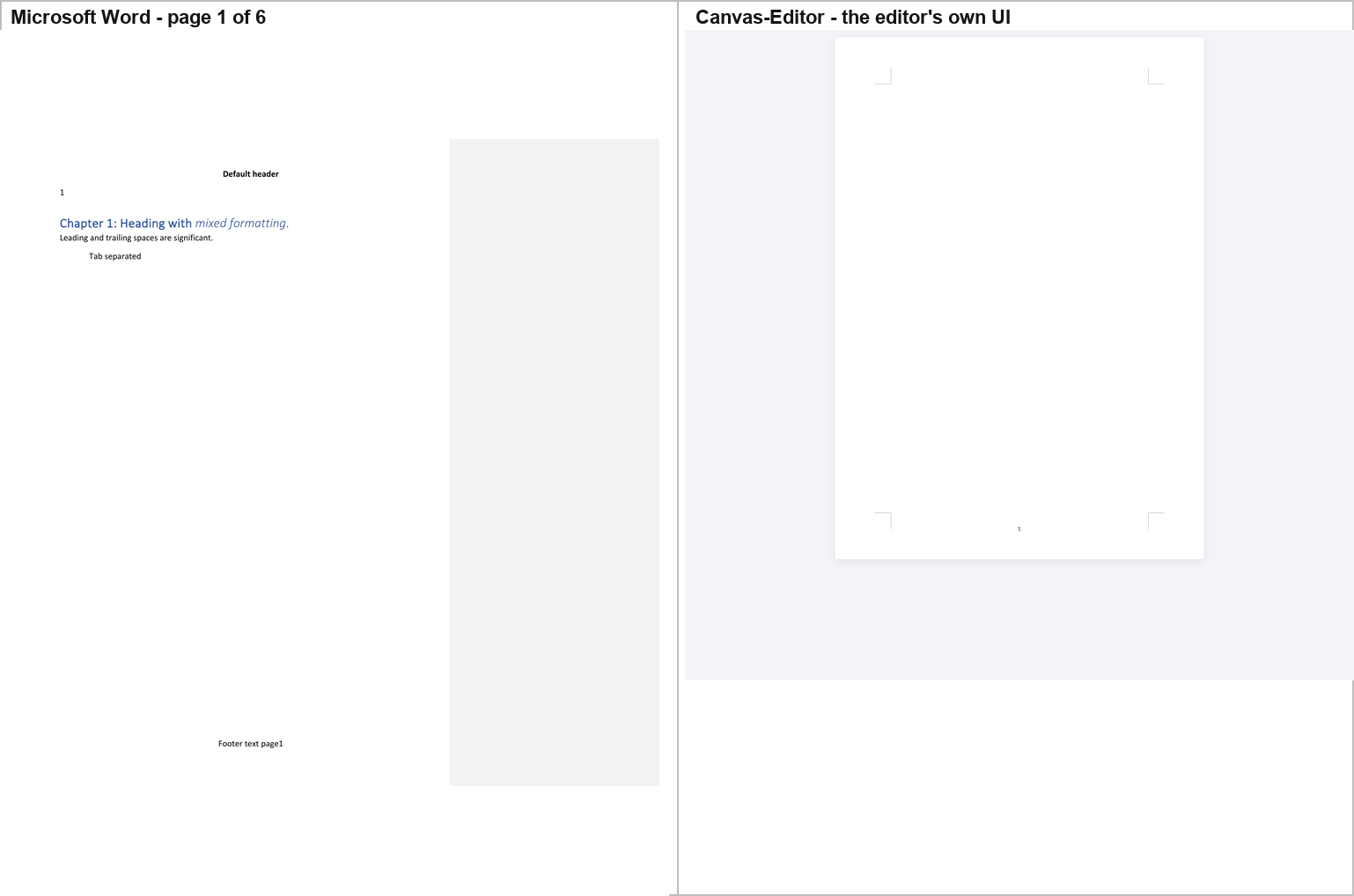
Canvas-Editor cannot lay this document out. The screenshot shows the header ("Default header", the page number "1") and the footer ("Footer text page 1") and nothing else — no body text at all. The console carries the failure:
[host] boot failed TypeError: Cannot read properties of undefined (reading 'width')
    at TableParticle.computeRowColInfo  (TableParticle.ts:544)   [repo source: line 724]
    at LayoutEngine.computeRowList      (LayoutEngine.ts:201)
    at Draw.computeRowList              (Draw.ts:1361)
    at Draw.render                      (Draw.ts:1987)
    at Draw.setValue                    (Draw.ts:1285)
    at CommandAdapt.setValue            (CommandAdapt.ts:1741)
    at Command.executeSetValue          (Command.ts:173)
    at Command.executeImportDocx        (importDocx.ts:1407)
The attribution was tested rather than assumed, and the cause was isolated.
- The throw is entirely inside Canvas-Editor's own code, six frames deep. The host never touches table geometry.
- The plugin's parser succeeds — it produces a complete 77-element model with two tables and one image. The crash happens afterwards, when the core lays that model out.
- The core's
computeRowColInfoassumes a self-consistent table model:td.colIndexpresent, andcolIndex + colspan <= colgroup.length. The plugin never setstd.colIndexand dropsw:vMergecontinuation cells while shifting the surviving cells one column left. The core then re-derivescolIndexby occupancy scan, assigns 1 instead of 0 to thegridSpan="3"cell, and readscolgroup[3]of a 3-columncolgroup. - It is not a 1.0.6 regression: the identical crash occurs with the core
version the official plugin demo pins,
@hufe921/canvas-editor@1.0.2. - The trigger was isolated by bisection on copies of the corpus (the fixture was never modified):
| Variant | Result |
|---|---|
| original | CRASH — header/footer only |
w:vMerge markers removed |
OK — 3 pages |
w:gridSpan removed |
OK — 3 pages |
| nested table removed | CRASH — not the trigger |
| tracked rows removed | CRASH — not the trigger |
| the table removed | OK — 3 pages |
w:vMerge and w:gridSpan removed |
CRASH, differently — Cannot read properties of undefined (reading 'push') |
So the crash needs a vertical merge and a horizontal span in the same table, and removing both exposes a second, independent defect. Both are in Canvas-Editor, not in the corpus.
2.9 Plate.js — everything except the pictures
Hosted: Plate's real editor, real DOCX importer and real React rendering
pipeline. repos/plate ships platejs as a built package and the checkout
has no build output, so a Vite host under harness/ui/plate/ aliased every
published subpath (platejs, platejs/react, platejs/docx/import,
platejs/table/react, platejs/media/react, platejs/math/react,
platejs/footnote/react, platejs/comments/react, and the underlying
plitejs/* package) to repos/plate/packages/{platejs,plitejs}/src and let
the dev server compile the TypeScript on the fly. The app calls the same
importDocx(arrayBuffer, { lossPolicy: 'allow', plugins, retainSource: false })
that the repo's own docs site calls, then mounts EditorRoot + EditorContent.
Nothing under repos/ was written.
Plate's own status bar is the first thing the reader sees:
Plate.js | platejs 54.0.0-beta.1 · DOCX import | Imported 34 blocks; 1 comment(s); 35 warning(s).
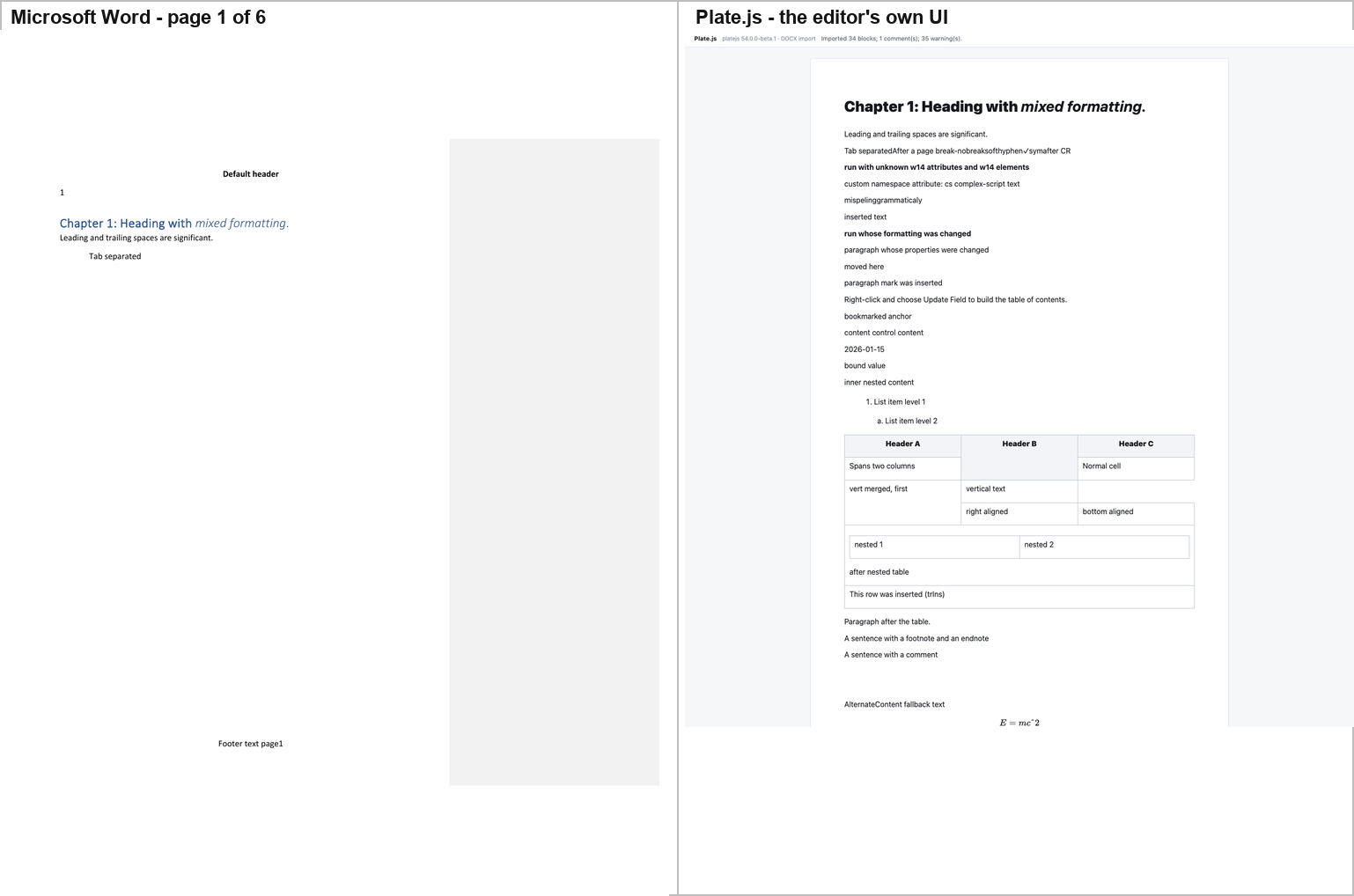
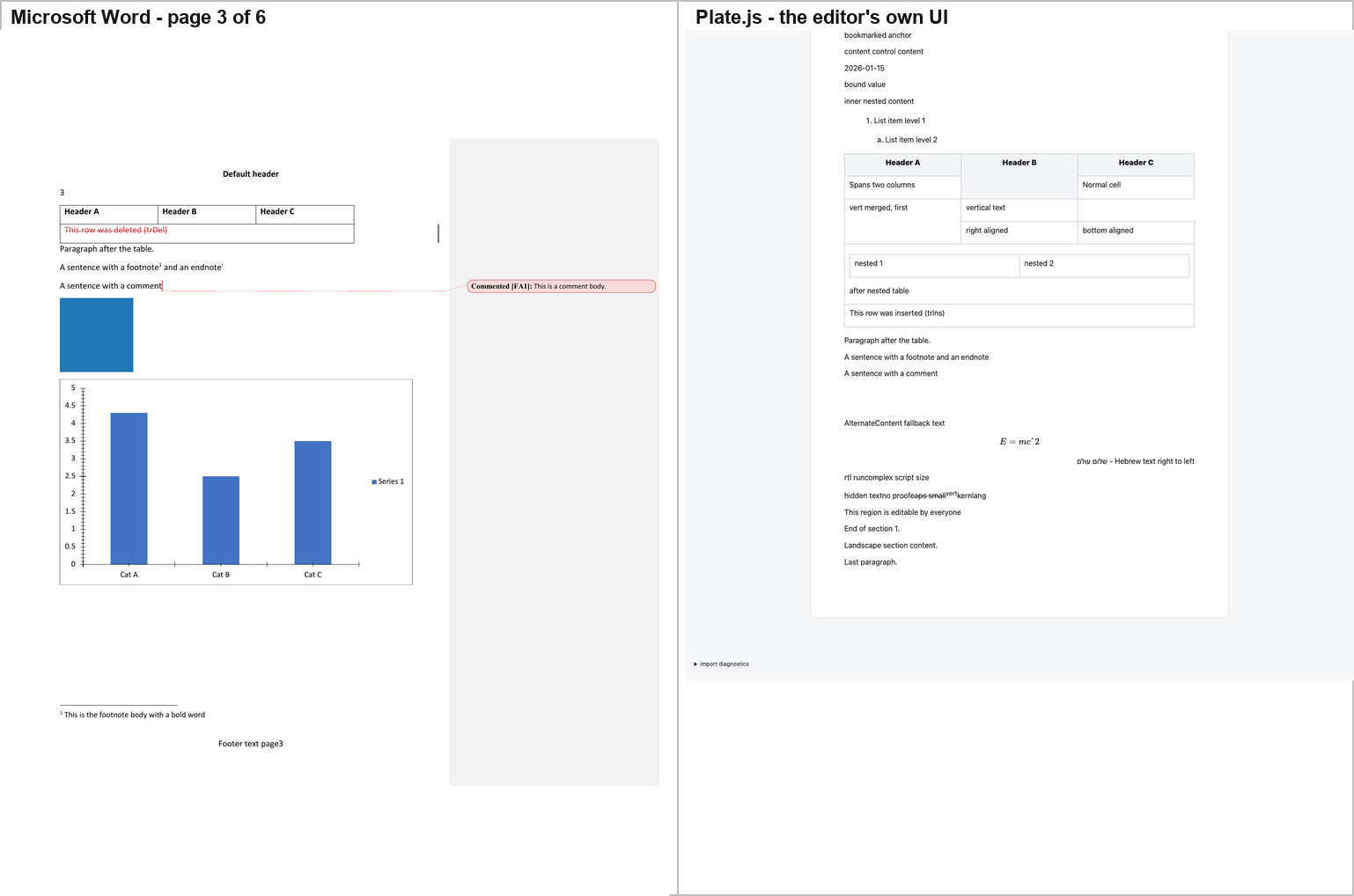
The text is there and the drawings are not. A DOM probe of the mounted
editor finds 0 <img>, 0 <svg> and 0 <canvas> elements. Where Word
draws a blue picture, a full bar chart with blue bars and a "Series 1" legend,
a blank SmartArt band and a blue OLE rectangle, Plate draws two empty
paragraphs. Its own importer says why, once per image: "An embedded image was
omitted during DOCX import." The chart, the SmartArt and the OLE object are
dropped without a message.
Differences from Word:
- No pagination, no headers, no footers. Plate is one continuous scroll.
- The text box shows the wrong branch. Word renders the
mc:Choicebranch — "Text box content". Plate renders themc:Fallbackbranch — "Alternate Content fallback text" — as ordinary inline paragraph text, not as a box. - The equation renders, but only just. Plate draws it with KaTeX, and the
source LaTeX that reached KaTeX was mangled to
E = mc\char"5E 2. The superscript survives only because KaTeX tolerates the\char"5Eescape. - The comment is gone. Plate's importer reports "Comment 0 has no complete imported range" — the comment is returned but unattached, and no marker and no balloon are drawn.
- Footnotes and endnotes are gone, markers and bodies both.
- Tracked changes are flattened. Plate reports "Tracked revisions were flattened into the proposed document." The deleted row is gone entirely; the inserted row survives as ordinary text with no colour, underline or change bar; the move runs are gone.
- The
w:vanish("hidden text") run is shown, where Word hides it. - The table loses its formatting — no shading on the spanning row, no rotation of the vertical-text cell, no right or bottom alignment.
- The
w14:textOutlineheading is plain bold black text, not a vector outline.
2.10 docs.plus — the corpus arrives as HTML
Hosted: the repo's own Next.js application, apps/webapp, run as
next dev on port 5205, at the dev-only /editor playground the code itself
documents as exposing window._editor / window._store / window._authStore
"for Cypress". The DOCX→editor conversion is the product's own:
apps/hocuspocus.server/src/modules/document-conversion/domain/docxImport.ts
(mammoth + parseDocumentHtml), reached through the application's real
import UI — toolbar → Document settings → Import & export → Choose file… →
staged preview → Replace document. Only the REST boundary is stood in for, by
a local stub on :4000 that calls that same function.
Two of the app's own behaviours had to be worked around, and both are reported
rather than hidden: the import button is gated on isVisitor() (the Supabase
backend is not running, so it resolves true and opens a sign-in dialog
instead of a file picker), and the app creates its file input imperatively, so
Playwright's native chooser dismissal removes the input before it can be read.
The probe used the filechooser event and the repo's own Cypress hook
window._authStore.setProfile(...) — the same hook apps/webapp/cypress/
uses. That changes who the UI thinks you are; it changes nothing about how the
document renders.
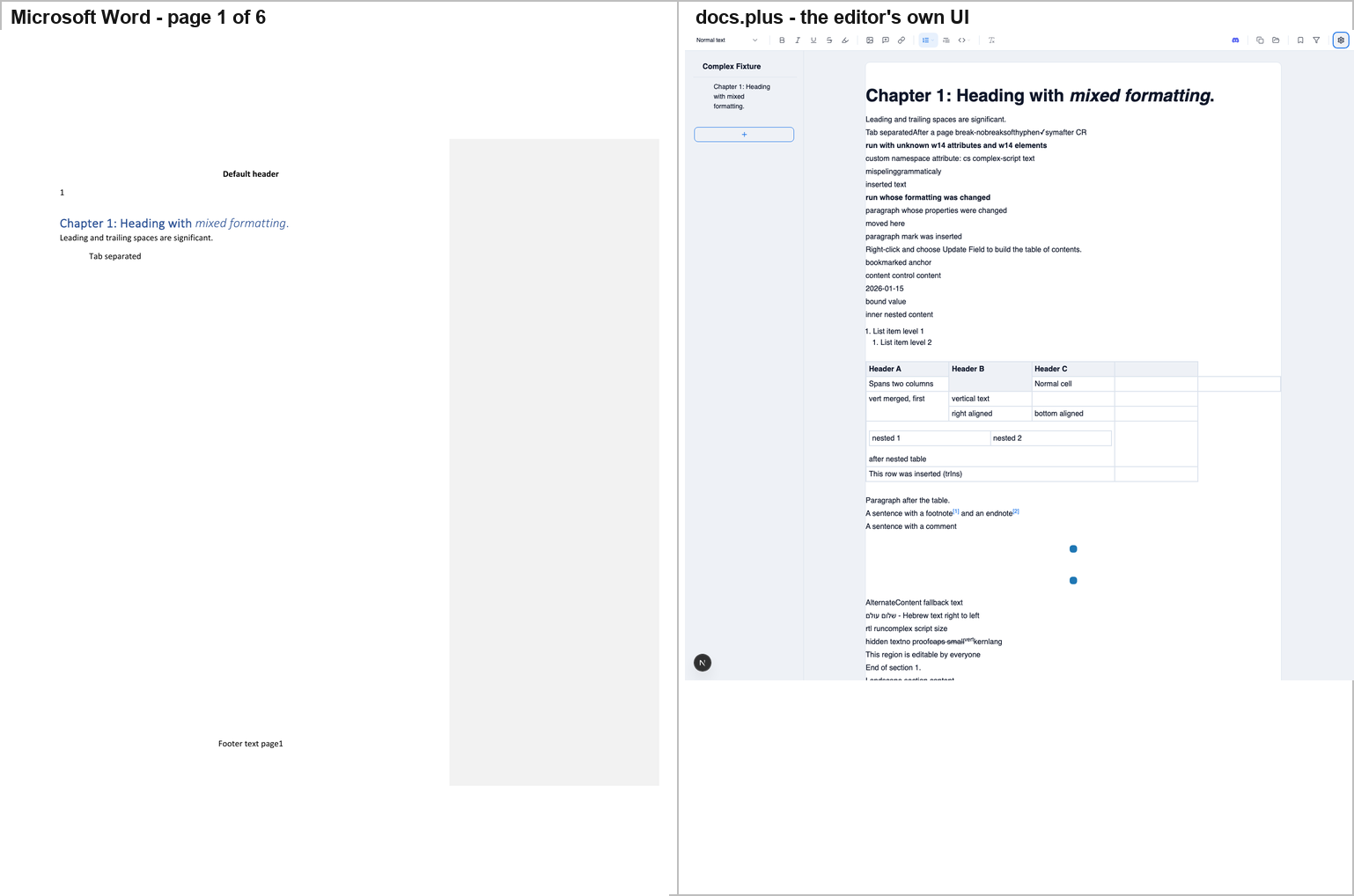
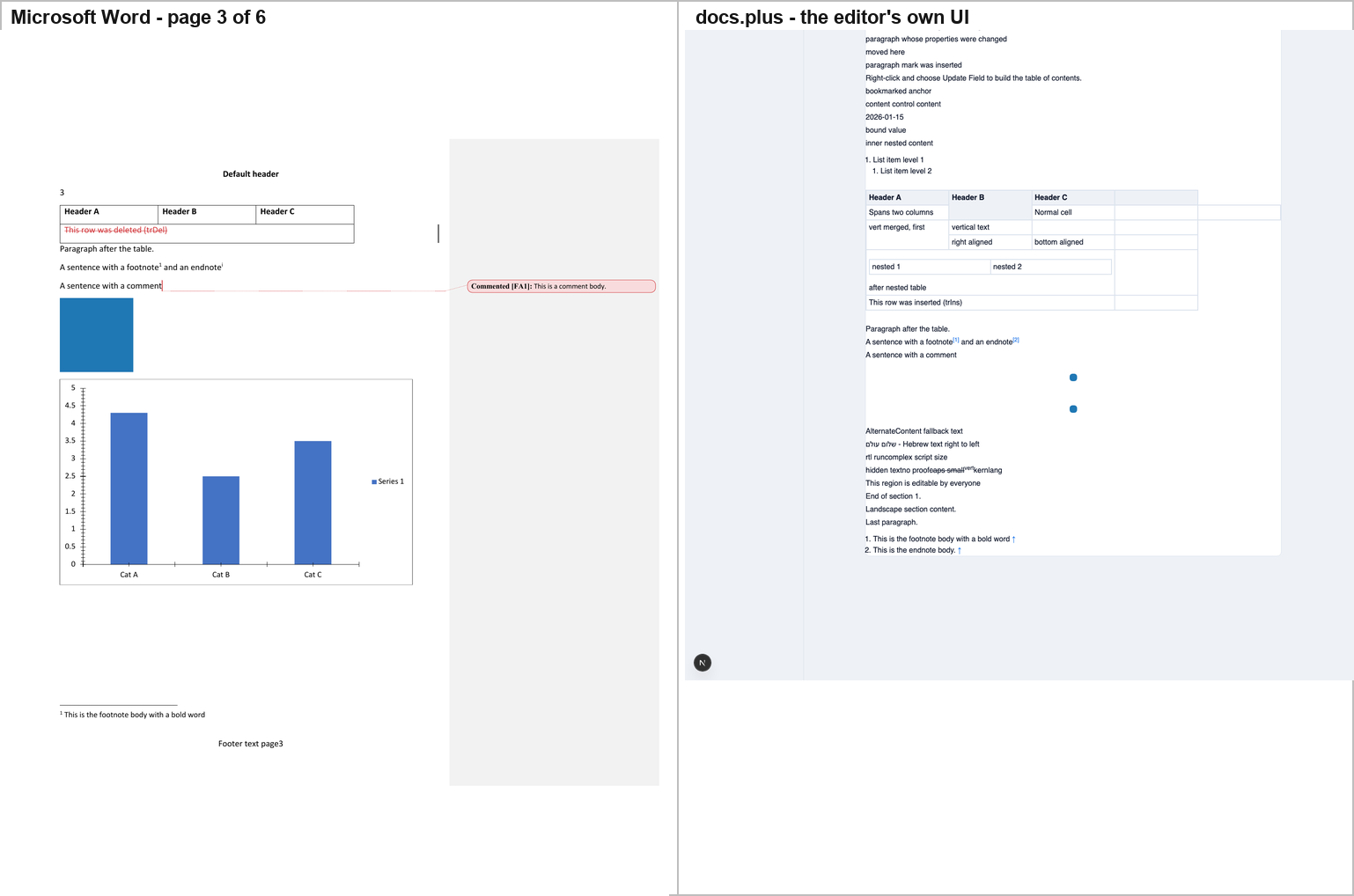
docs.plus renders the text well and drops the drawings. The table comes
through with its merged cells and its nested table, the inserted row survives as
a plain black row, the Hebrew paragraph is right-aligned, the w:vanish run is
shown, and the endnote and footnote bodies arrive as a numbered list at the end
of the document.
But the two pictures are drawn as 16×16 pixel blue dots. The DOCX stores a
16×16 PNG displayed at 1.25 in (90 pt); mammoth passes only src, and
docs.plus's commitImportedImageSizes stamps the image's natural pixel
size, so the picture renders at roughly one eighth of Word's size. The OLE
object's blue rectangle is not drawn at all — the o:OLEObject is dropped
("An unrecognised element was ignored") and what remains is a second 16×16
dot, the VML v:imagedata preview.
Differences from Word:
- The chart is absent — no node, no image, nothing where Word draws a full bar chart.
- The SmartArt band is absent, and no space is reserved for it either.
- The equation is absent ("{…math}oMathPara").
- The comment is absent — no marker, no balloon; the sentence is unadorned.
- The text box shows the
mc:Fallbackbranch — "AlternateContent fallback text" — which is a different sentence from Word's "Text box content". - Tracked changes are flattened: inserted text is plain black text, deleted text and the deleted row are gone, and the moves are gone.
- The footnote and endnote bodies are moved to the end of the document as a numbered list, not placed at the foot of their page.
- No pagination, no headers, no footers, no section break — "Landscape section content." is just another paragraph.
- The
w14:textOutlinerun is plain bold text.
2.11 Fidus Writer — the text renders, the table does not exist
Hosted: Fidus Writer's own Django + ProseMirror application, run from
repos/fiduswriter on port 5209. Three build blockers had to be cleared
first, all outside repos/: the generated .transpile/package.json
postinstall uses GNU cp --preserve=mode, which macOS's BSD cp rejects (a
PATH shim in /tmp fixes it); bundle_mathlive needs libmagic
(brew install libmagic); and Django's ALLOWED_HOSTS is ["localhost"]
only, so the app must be addressed as localhost, not 127.0.0.1. After
that manage.py transpile --force reports Rspack compiled successfully and
the maintenance page goes away. Fidus's own runserver boots granian.
Import path: the application's own documents overview → "Import document" →
the hidden <input id="doc-uploader" accept=".fidus,.docx,.odt,.json,.zip"> →
the dialog's Import button. The conversion is client-side JS (JSZip +
fast-xml-parser) producing Fidus's own ProseMirror JSON.
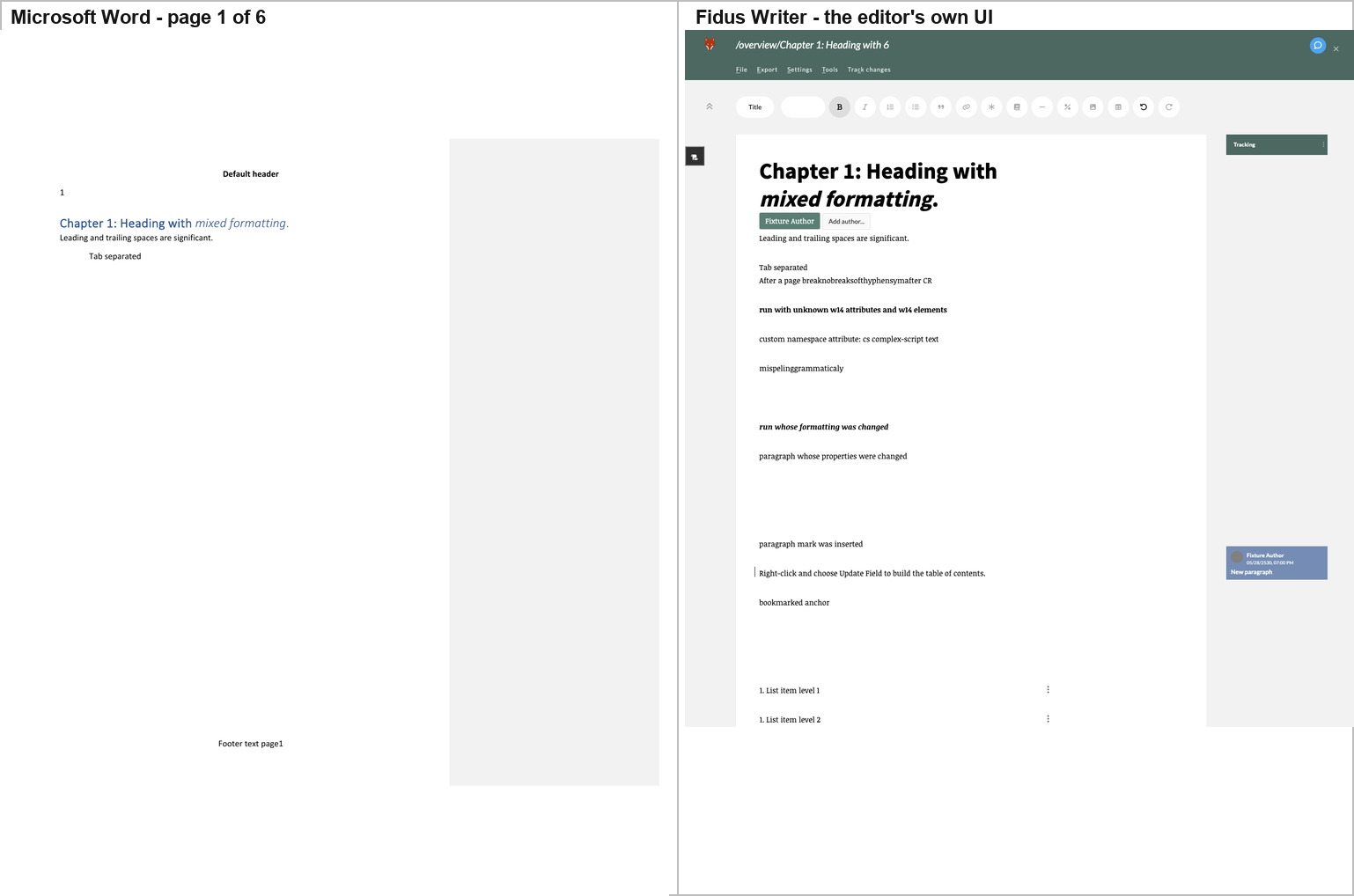
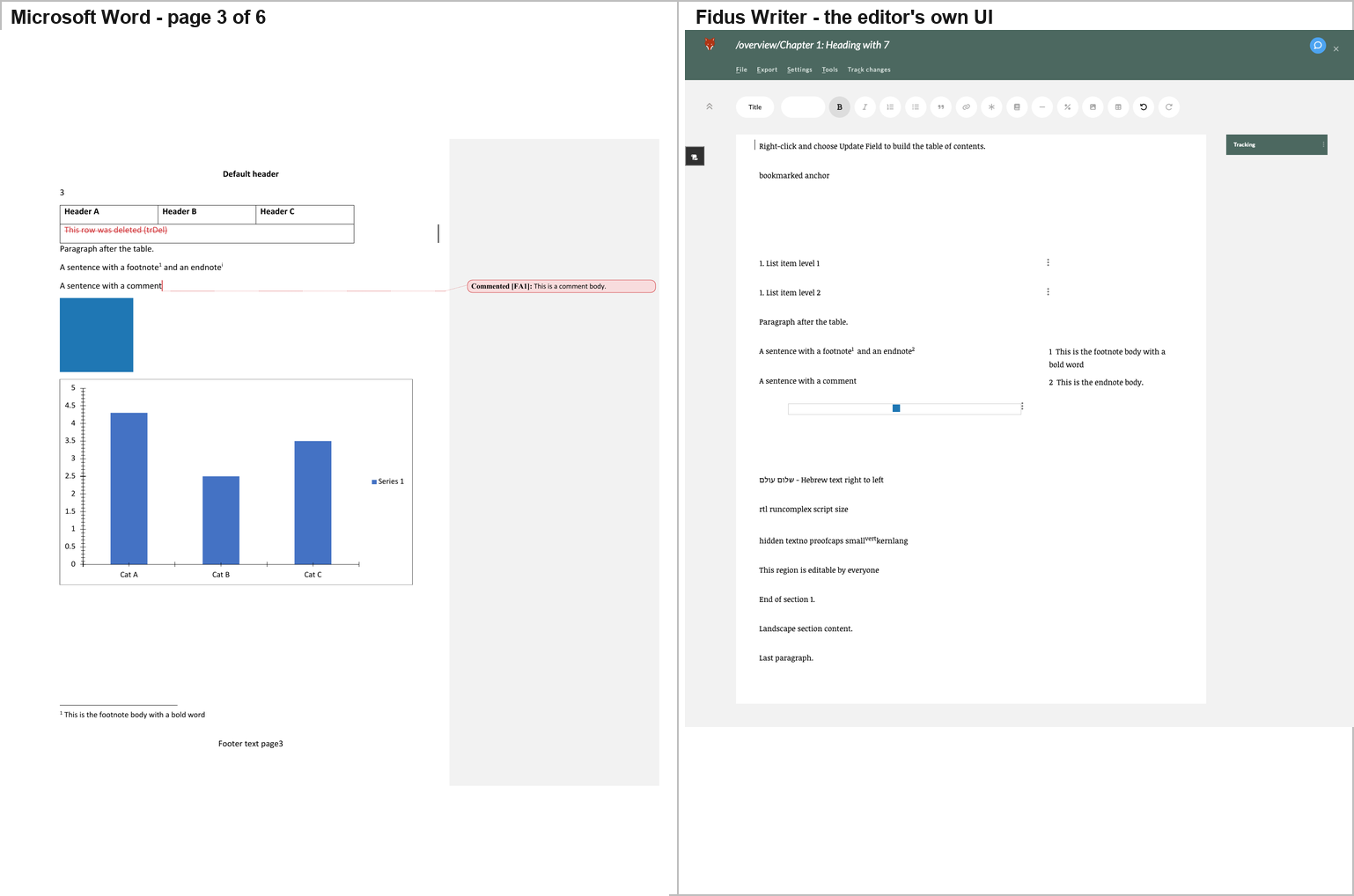
One intervention is disclosed here, because it is the difference between a
screenshot of Fidus and a screenshot of a wait screen. Fidus's
template-adjustment worker throws (§ below), its onerror handler only logs
the error, and the "Updating document. Please wait…" cover is therefore never
lifted — the document is fully rendered underneath it. The probe lifts that
cover, which is exactly what deactivateWait() does, so the render can be
photographed. Everything visible in these two screenshots is Fidus's own
output. What is not Fidus's own output is the cover's absence.
The text renders; the tables and the graphics do not. A DOM probe of the live editor reports:
| count | |
|---|---|
tables / tableRows / tableCells |
0 / 0 / 0 |
svg / canvas / objects / math |
0 / 0 / 0 / 0 |
textboxEls |
0 |
images |
3 — two separators, and the corpus's PNG at natural 16×16, rendered 16×16 |
The corpus's table is not in the document Fidus renders. Word's pages 1 and 3 are half table — a three-column table with merged cells, a nested table and two tracked-change rows — and Fidus draws the text around it and leaves the space empty. "Paragraph after the table." survives, so there is no gap marker either. The chart, the SmartArt band, the OLE object, the equation and the text box are equally absent.
The cause is in Fidus's own importer, and it is specific. In
document/static/js/modules/importer/docx/:
- there is no
w:tblhandling at all — so the table is never converted; convertFigurerequires ana:blip, so the chart, the SmartArt and the text box all returnnull;- there is no
w:objecthandling, so the OLE object is gone; convertInlinematches only a directm:oMathchild, and the corpus wraps its equation inm:oMathPara, so the equation is missed;w:ins/w:del/w:moveFrom/w:moveTowrapping runs are never recursed into, so the revision content is never reached.
Differences from Word:
- No table, no chart, no SmartArt band, no OLE object, no equation, no text box — six constructs absent from the document entirely.
- The comment is absent. The comment body ("This is a comment body.") is
stored in the document's
commentsfield but is never rendered, and there is no marker or highlight on "A sentence with a comment". The right-margin card in the screenshot is not the comment — it is the tracked-change card for the inserted paragraph mark ("Fixture Author / 05/28/2530, 07:00 PM / New paragraph") with Accept and Reject buttons. - Only one tracked change survives — the inserted paragraph mark, shown as a change bar plus that margin box. The inline "inserted text" and "deleted text" and the moved-from / moved-to text are gone.
- The endnote is converted into a second footnote — marker ② and "This is the endnote body." in the right margin, not an endnote.
- The footnote and endnote bodies are rendered in a right-hand column, not at the foot of their page.
- The picture is drawn at 16×16 pixels. Word scales the corpus's 16×16 PNG up to its 120 × 120 pt extent; Fidus stores no width or height and draws it at natural size.
- The
w:vanish("hidden text") run is shown, where Word hides it. - The RTL paragraph is left-aligned, not right-aligned — bidi is dropped.
- The title is rendered in Fidus's own Title style — black, ~28 pt — where
Word draws Heading 1 in Word blue at ~14 pt. The italic on "mixed
formatting" is preserved in the body, even though Fidus's
titlenode forbids it. - The list levels are flattened: Word numbers level 2 as "a." and indents it; Fidus renders both levels as "1." at the same indent.
- The page break is dropped — one continuous sheet, no headers, no footers, no page numbers.
And the template-adjustment worker throws, on every load. The console carries:
[error] RangeError: Invalid content for node title: <"Chapter 1: Heading with ", em("mixed formatting")
    at NodeType.checkContent   (adjust_doc_to_template_worker.js:5805)
    at close                   (adjust_doc_to_template_worker.js:4318)
    at replaceOuter            (adjust_doc_to_template_worker.js:4276)
    at replace                 (adjust_doc_to_template_worker.js:4263)
    at Node.replace            (adjust_doc_to_template_worker.js:4903)
    at StepResult.fromReplace  (adjust_doc_to_template_worker.js:7472)
    at RemoveMarkStep.apply    (adjust_doc_to_template_worker.js:...)
The root cause is identified. extractTitle() copies the heading's inline
marks into a title node whose schema declares marks: "annotation track"
(schema/document/structure.js), so the imported content violates Fidus's own
schema; the adjust-to-template worker then throws, onerror only logs it, and
the wait cover is never lifted.
What is and is not claimed here. That the worker throws, and that the
title node's mark specification is the cause, are both first-hand and both
verifiable in Fidus's source. The missing table is a separate defect — the
importer has no w:tbl handling — and this report does not claim the two are
related.
2.12 LibreOffice — the closest full-featured renderer
Hosted: LibreOffice Writer itself. The artefact is the application's own
rendered page, produced by its own renderer via
soffice --convert-to pdf — not a screen capture of its window, for the
reason given in Gaps, item 4.
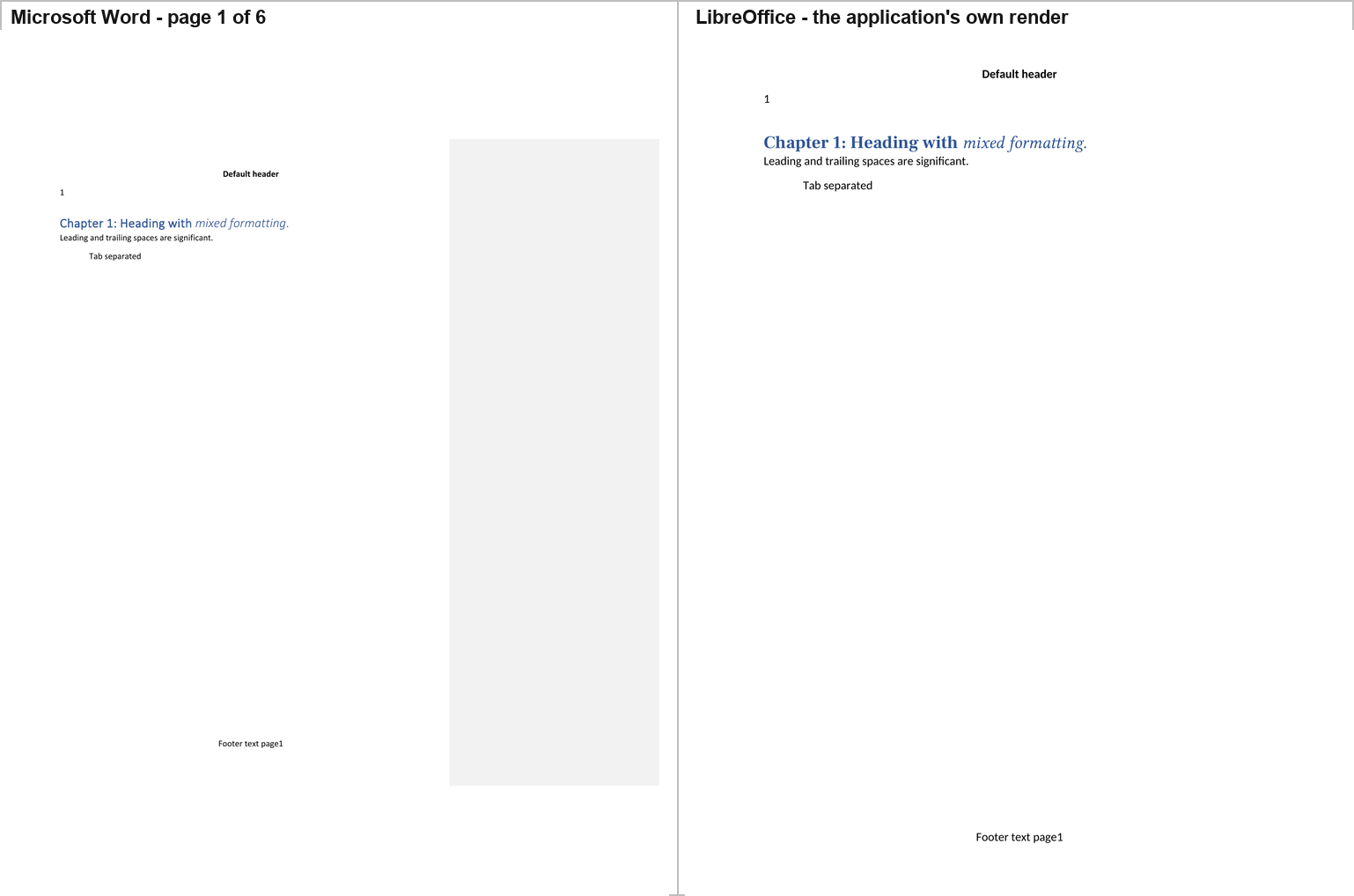
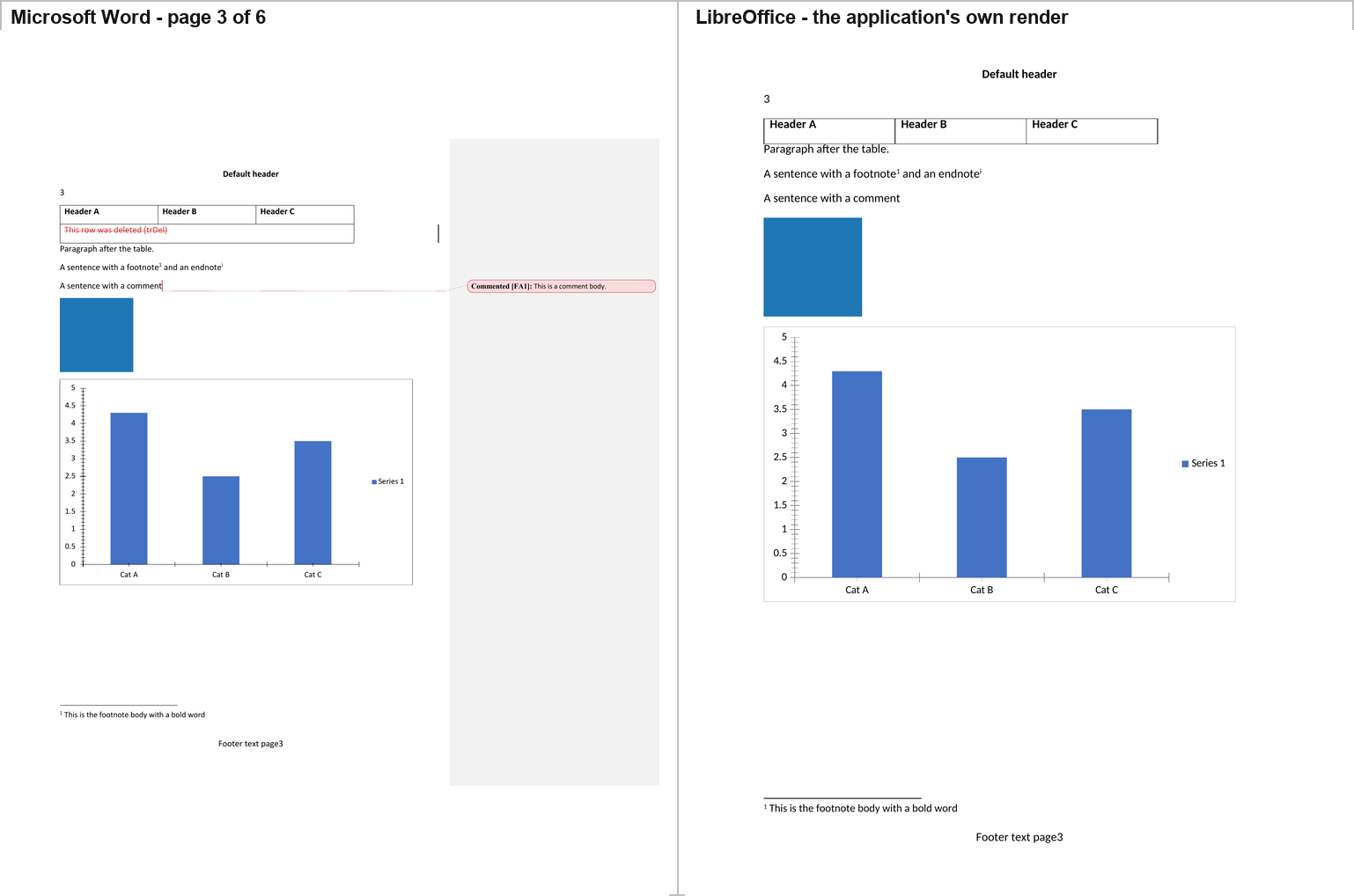
LibreOffice reproduces Word's pagination exactly — 6 pages — and every page furniture: the "Default header", the page number in the header, the "Footer text page3" footer, the footnote body with its separator rule at the foot of page 3, and the landscape section.
Its page 3 carries the table, the blue picture at full size, and the chart,
drawn correctly — the right bar heights (4.3 / 2.5 / 3.5), the "Cat A / Cat
B / Cat C" categories, the 0–5 value axis and the single "Series 1" legend.
Its page 4 carries the mc:Choice text box reading "Text box content", the
equation typeset as E = mc², the right-aligned Hebrew, the blue OLE
rectangle, and the w14:textOutline run.
Differences from Word:
- Deletions are hidden entirely. The corpus's deleted runs, the deleted text and the deleted table row are not drawn at all — the document reads as if the revisions had been accepted. Word draws them struck through in red.
- The comment is an anchor with no body. The marker appears; the balloon and the text "This is a comment body." never do.
- The chart is redrawn from LibreOffice's own model, which is why its PDF differs from Word's by 12,386 pixels (0.75%) — and the difference is concentrated in exactly the chart.
- The SmartArt band is blank but reserved. Removing the SmartArt from the corpus moves the blue OLE object from page 4 to page 3 in LibreOffice too (§5.6) — the same reflow Word shows.
2.13 Docxodus — the engine that draws what it cannot render
What it is. Docxodus (JSv4/Docxodus, v15.0.0) is a .NET OOXML engine in
the OpenXML-PowerTools lineage, published as a WebAssembly build. It is the
only tool in this study that is not a browser-based editor: it ships a
DOCX→HTML paginated materializer, an in-browser block editor
(DocxEditor), a package reader/writer (DocxSession), and a CLI
(docxodus convert).
How it was hosted. The published npm package docxodus@15.0.0 was
installed into harness/ui/docxodus/, and the product's own export CLI
(@docxodus/export@15.0.0) was driven exactly as it ships, once
with --to html and once with --to pdf:
docxodus convert fixture/complex.docx --to html --output docxodus.html \
  --review-profile markup --markup-presentation word \
  --comments margin --comment-column-placement balloons \
  --font-directory <Carlito, Caladea, Liberation> \
  --browser-executable <Chrome for Testing 156>
The browser is the machine's existing Playwright Chromium rather than the package's own pinned download, which was not installable here; the fonts are LibreOffice's Carlito and Caladea, the metric-compatible substitutes for Calibri and Cambria that the product's own font policy names. Both choices are stated because they affect the pixels. The materializer runs the product's own pagination engine — the same one the CLI and the WASM build share — and produces a standalone HTML document with the page tree already fixed.
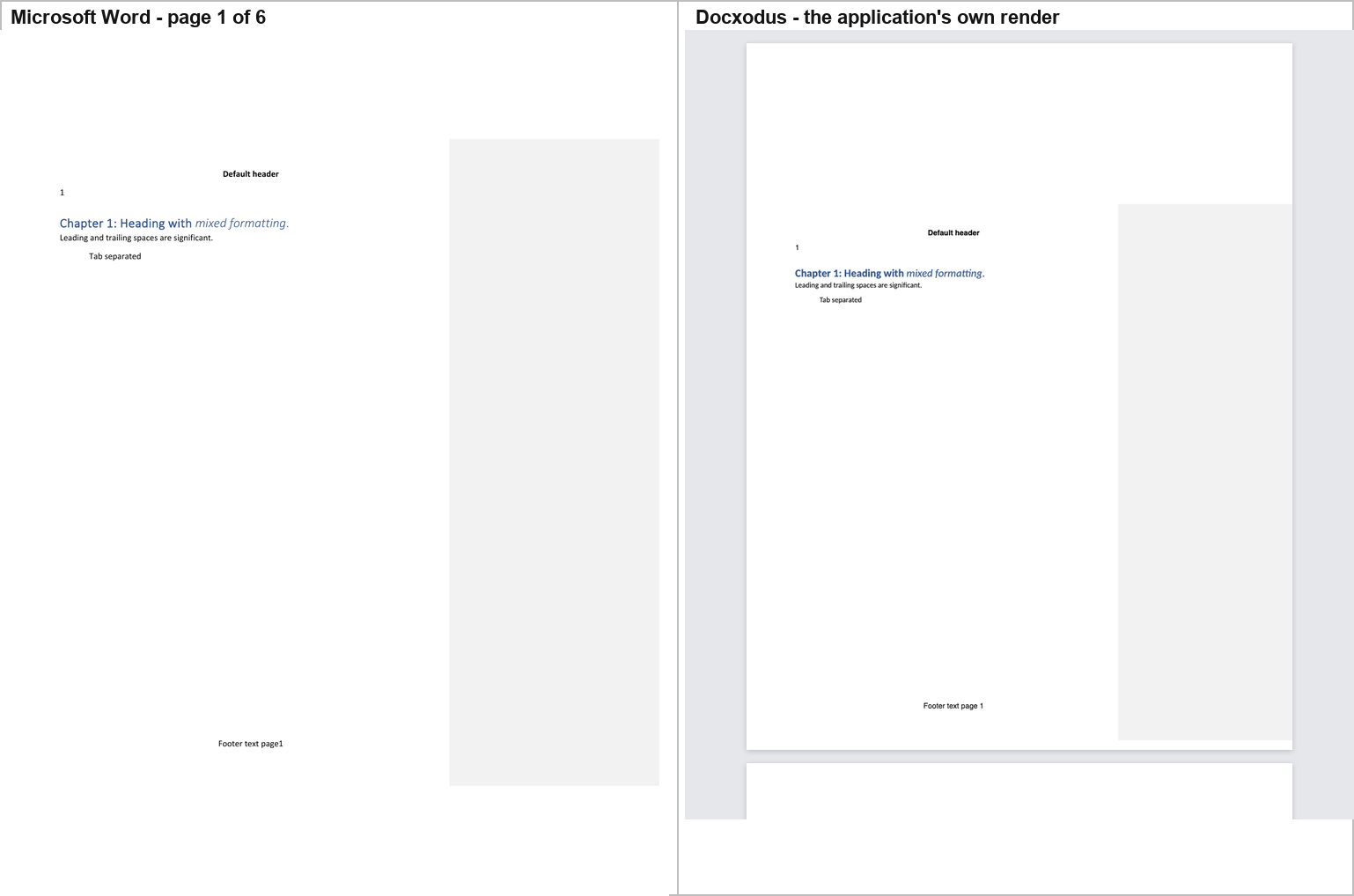
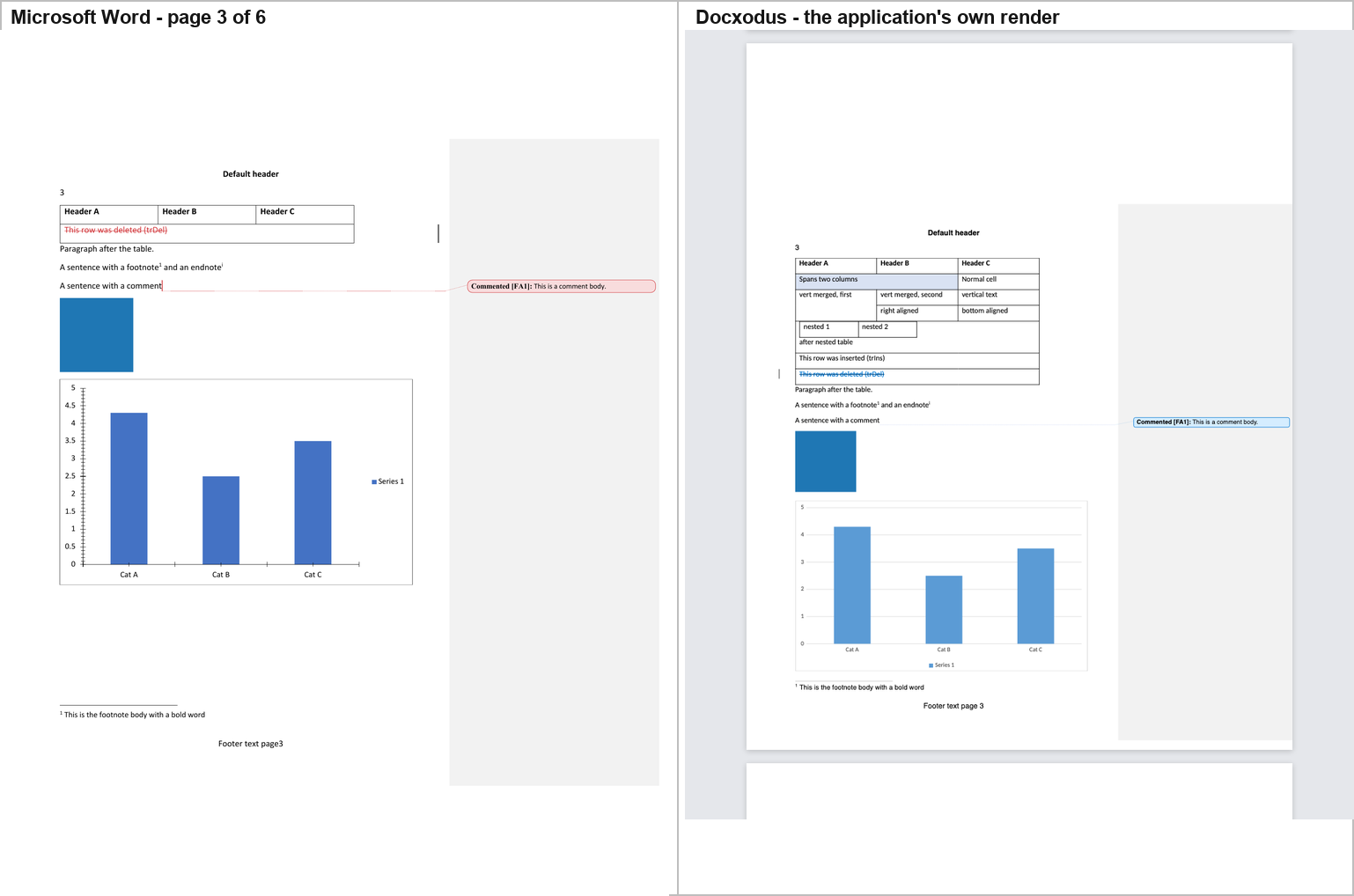
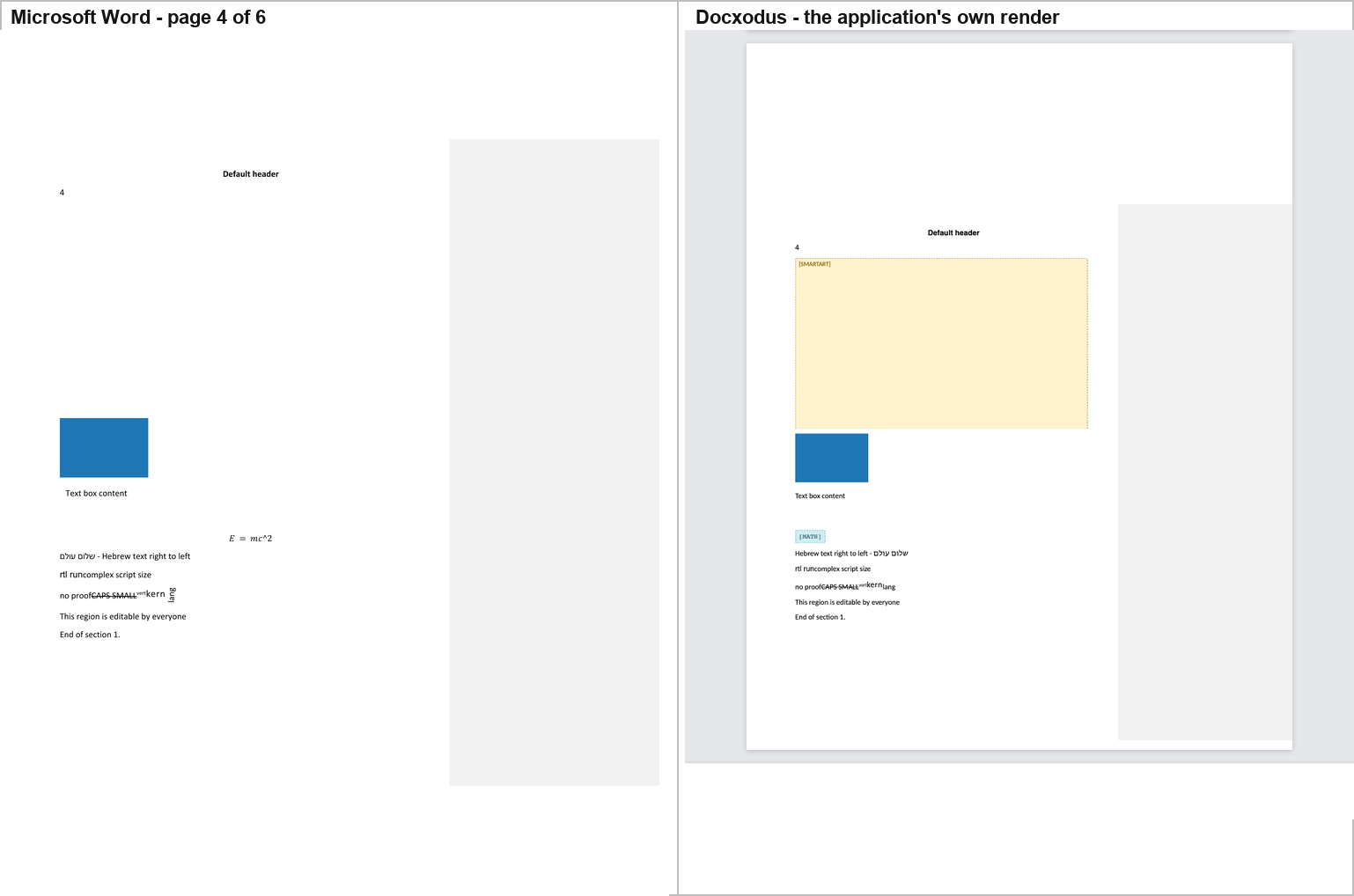
Docxodus reproduces Word's geometry exactly and then tells you what it could not draw. Its page boxes are 816 × 1056 px — 8.5 × 11 in at 96 dpi — its landscape page is 11 × 8.5 in, and the rasterised page geometry is identical, to the pixel, to Word's own export of the same file. It paginates into 6 pages, the same as Word, and it reproduces Word's Print-Markup layout: a scaled content column beside a grey markup area, with the comment drawn as a balloon in that area.
It draws almost everything Word draws:
- the table, with its shading, its vertical-text cell, its cell alignment and its nested table;
- the chart, correctly — the right bar heights, the "Cat A / Cat B / Cat C" categories and the single "Series 1" legend;
- the picture, scaled to its DOCX extent (91 × 91 px for a 16 × 16 PNG), and the OLE preview, scaled to 109 × 73;
- the
mc:Choicetext box reading "Text box content"; - the comment as a balloon in the margin — "Commented [FA1]: This is a comment body." — with a connector line, the closest match to Word's own balloon of any tool in the study;
- the deleted table row, struck through;
- the footnote body at the foot of its page, the header and the footer;
- the RTL paragraph, right-aligned.
And it honours w:vanish. The "hidden text" run is not drawn. Only
Word, LibreOffice and Docxodus do this; Plate.js, docs.plus and Fidus Writer
all show it.
But it draws two placeholders where Word draws the real thing, and this is the most interesting result in the study. On page 4, exactly where Word leaves the SmartArt band blank, Docxodus draws a large yellow box labelled "[SMARTART]"; and exactly where Word typesets the equation E = mc², Docxodus draws a small cyan chip labelled "[MATH]". Its own render report says so in its own words:
"unsupportedContent": [
  {"action": "placeholder", "elementName": "relIds",      "contentType": "Other"},
  {"action": "placeholder", "elementName": "oMathPara",   "contentType": "MathEquation"}
]
Two independent engines now agree that the corpus's SmartArt is unrenderable. Word reserves the band and draws nothing (§5); Docxodus reserves the same band, at the same size, and draws a label saying it cannot. Docxodus also reports a third unsupported construct:
altchunk_not_supported— "Arbitrary altChunk content is not a supported standalone export input." Remediation: "Materialize altChunk content into ordinary WordprocessingML before export."
So the altChunk is in Docxodus's file but not on its page — Word imports and renders it ("Imported altChunk paragraph one."), Docxodus does not. That is the cleanest "in the file but not rendered" case in the study, because the product says so itself.
Other differences from Word, measured on the text layer:
- Docxodus inserts a space between a literal run and a following field's
result. Word's footer reads
Footer text page3; Docxodus's readsFooter text page 3. The same happens on every numbered footer. - Docxodus does not draw a
w:noBreakHyphenas a character. Word's text layer contains one; Docxodus's does not. - Docxodus annotates format changes with text. Word draws "run whose formatting was changed" with a change bar and the changed formatting; Docxodus adds "Formatted: Font: Bold, Not Italic" and "Formatted: Left, Space After: 8 pt" inline.
- The chart has no axis tick marks or tick labels. Word draws the 0–5 axis with half-unit ticks; Docxodus draws the bars, the categories and the legend and nothing else.
- The table splits at a different point. Word breaks the vertical-text cell across pages 2 and 3 ("verti" / "cal" / "text"); Docxodus keeps the cell whole and moves the whole table down.
The round trip is the best in the study. Loading the corpus into
Docxodus's own DocxSession and writing it back with no edits gives:
| Docxodus | best of the others | |
|---|---|---|
| parts out | 35 of 35 | 35 of 35 (Folio, SuperDoc, GenOffice, eigenpal, office-open) |
| byte-identical | 25 | 34 (Folio) |
| re-serialised, semantically identical | 10 | 16 (eigenpal) |
| content changed | 0 | 1 (Folio) |
| dropped | 0 | 0 |
| dangling relationship ids | 0 | 0 |
| 99-check round-trip score | 100.0 % | 100.0 % (SuperDoc) |
| LibreOffice render of the result | 6 pages, text identical | 6 pages, text identical (SuperDoc, Folio, eigenpal) |
Zero parts changed and zero dropped is unique. SuperDoc also scores
100.0 %, but seven of its parts are genuinely changed (document.xml,
endnotes.xml, footnotes.xml, header1/2.xml, footer1/2.xml); Docxodus's
equivalent parts are all re-serialised — byte-different, tree-identical.
And Docxodus keeps the w15, w16cid, w16du and w10 namespaces, which
nine of the other thirteen drop (Report A; SuperDoc, Folio, GenOffice and
eigenpal keep them too).
2.14 Apryse WebViewer — Word's pages, and a trial stamp on every one
What it is. Apryse WebViewer (@pdftron/webviewer@12.2.1) is a
commercial, closed-source JavaScript document SDK from Apryse Software Inc.
(formerly PDFTron). Its DOCX Editor runs Apryse's own office engine as
WebAssembly and lays the document out in pages on a canvas. It is the only
commercial tool in this study, and it was run with a trial license key, which
draws a faint "apryse" watermark across every page. The watermark is Apryse's,
not the document's; it is left in the figures, not removed. This benchmark is not
affiliated with, sponsored by or endorsed by Apryse.
Hosted: a host page under harness/apryse/ (vite, port 5210), adapted
from Apryse's own office-editor showcase, with enableOfficeEditing: true. The
page requests /sample.docx; Playwright returned the corpus bytes for that
path. Because the pages are drawn on a canvas, the DOM holds no document
text, so the usual readiness wait and scroll-to-text cannot see them. The
capture instead asks WebViewer itself (harness/ui/apryse/probe.mjs): it
waits until WebViewer reports the document loaded, reads each page's text
through WebViewer's API, and goes to the page that holds the target line. The
target "A sentence with a comment" is on WebViewer's page 3 of 6, and "Text
box content" on page 4 of 6: the same pages as in Word.
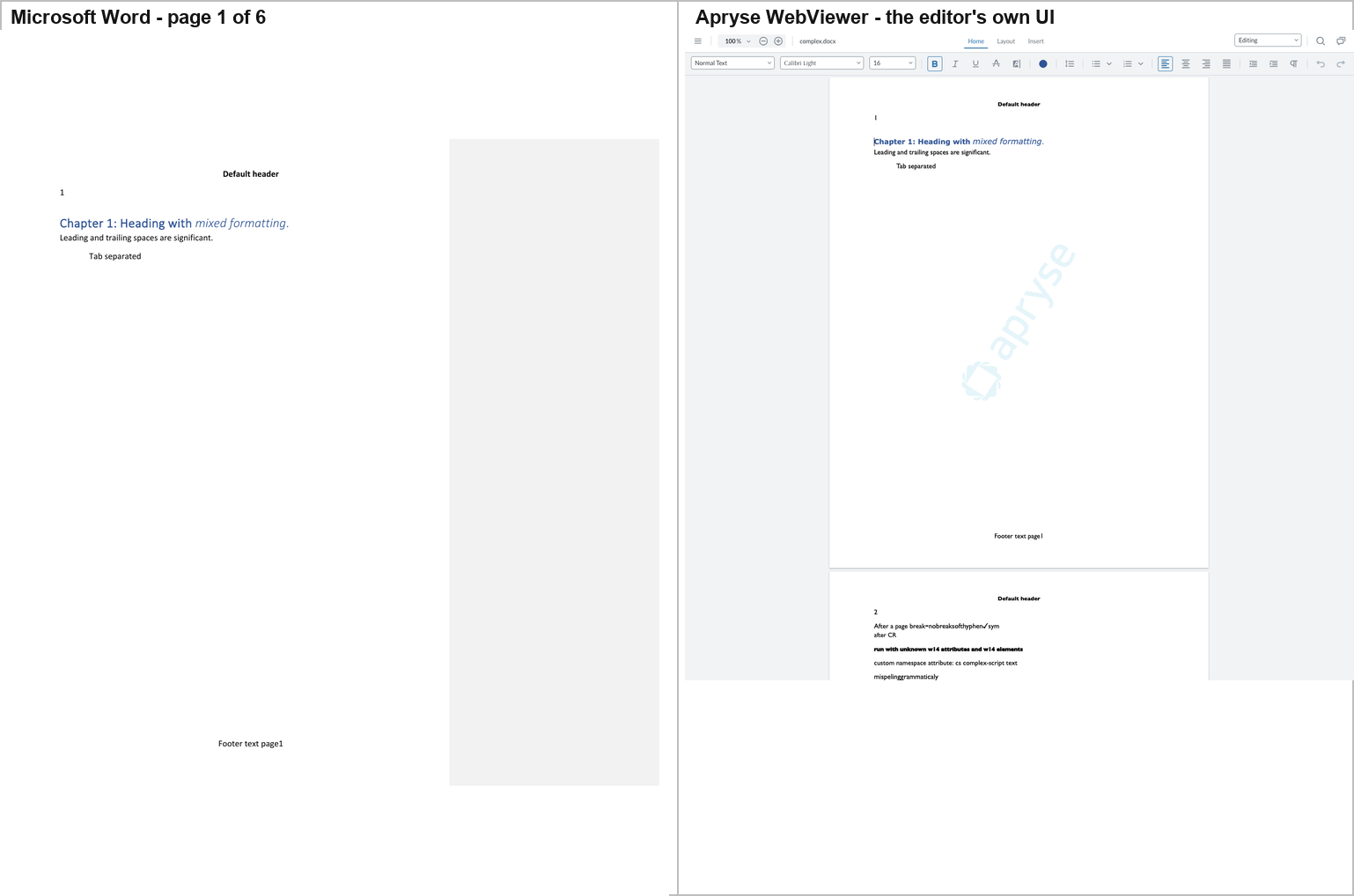
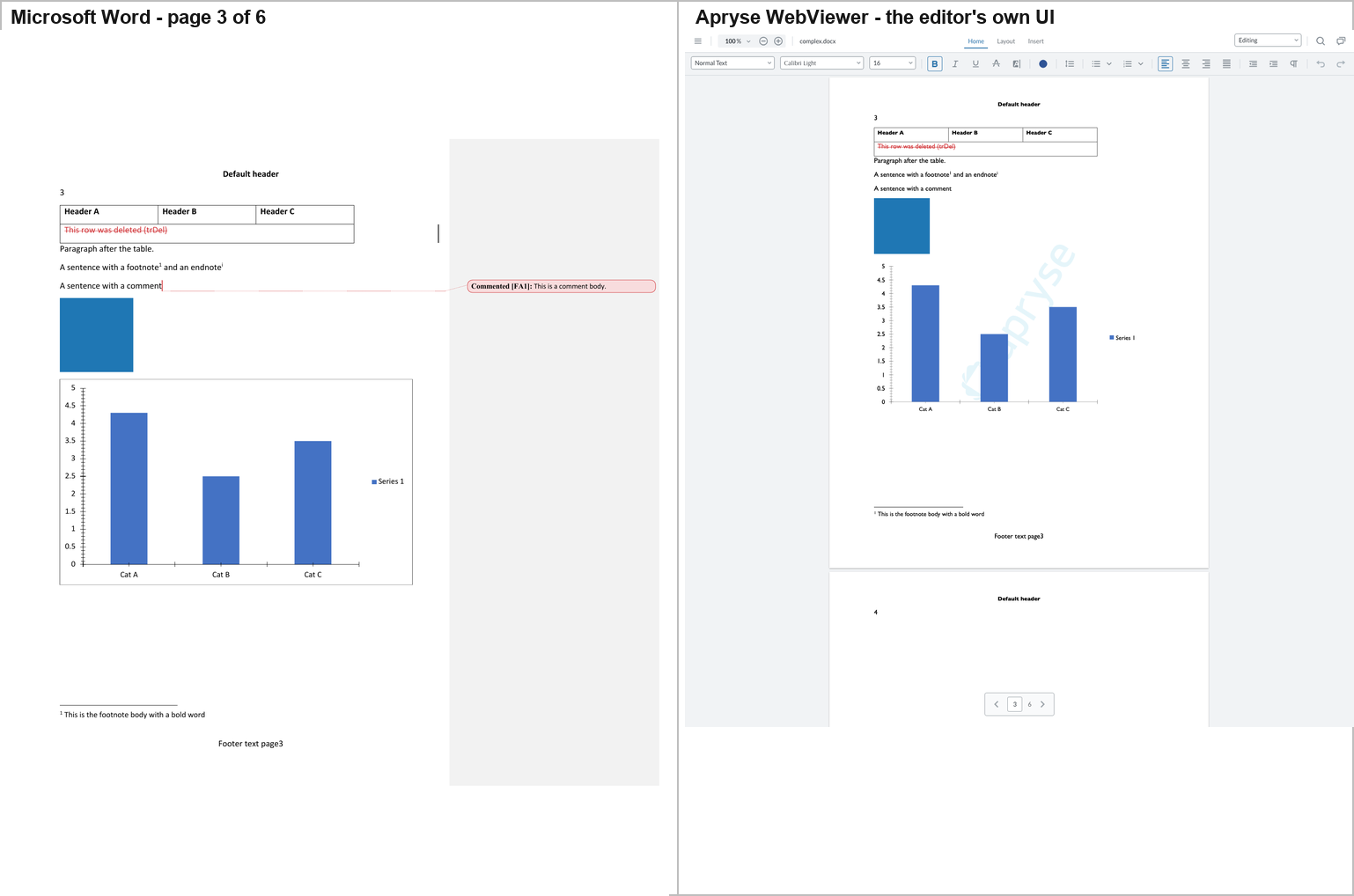
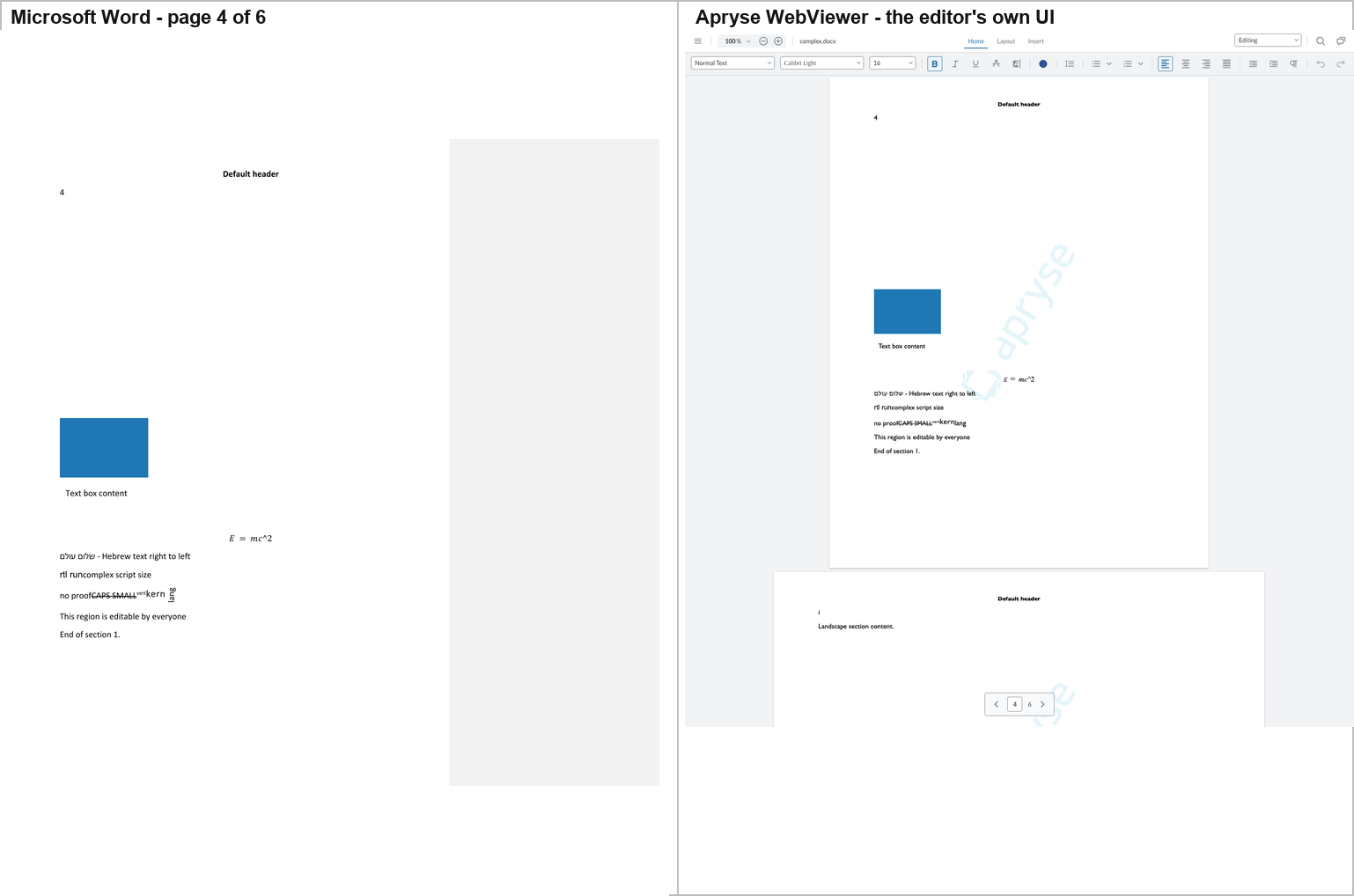
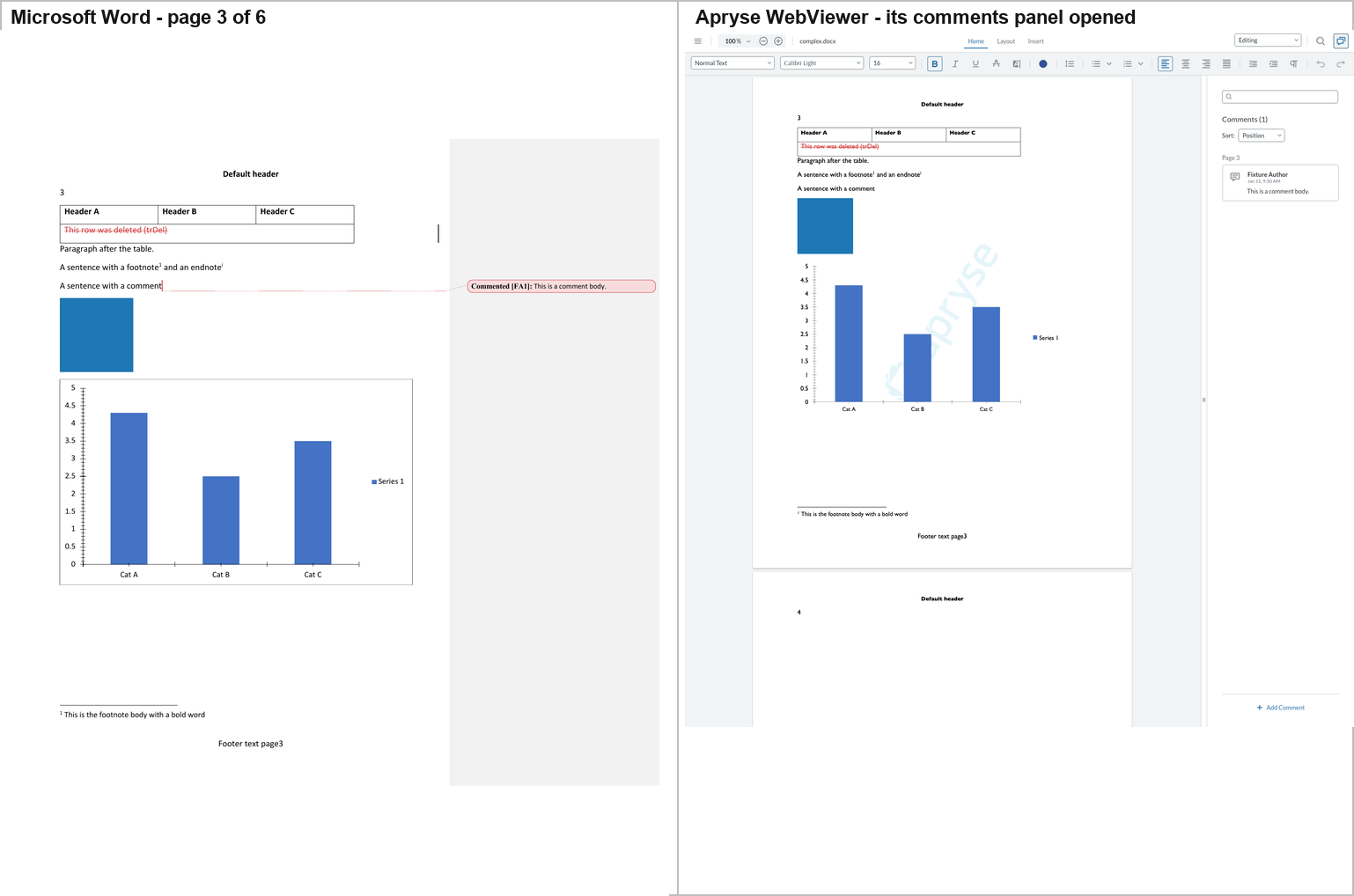
Apryse draws Word's pages. The corpus occupies 6 pages, as in Word,
and every piece of page furniture is where Word puts it: the default header,
the page number, the footer with its page number, the footnote body at the
foot of page 3 under a separator rule, and page 5 drawn as a landscape page.
Page 3 shows the table with its deleted row struck through in red, the blue
picture, and the chart with its blue bars, its 0–5 axis, its "Cat A / Cat B /
Cat C" labels and its "Series 1" legend. Page 4 keeps the blank SmartArt band
at the top, as Word does, then the object, the mc:Choice text box reading
"Text box content", the equation, and the right-to-left Hebrew line.
Tracked insertions and deletions are both shown, underlined and struck
through in red.
Differences from Word:
- The comment is not drawn on the page. Word puts a balloon with a dotted leader beside "A sentence with a comment"; Apryse's page shows no marker there. The comment is in the editor: clicking the toolbar's comments button opens a panel reading "Comments (1)", with a card on page 3 by "Fixture Author", "This is a comment body." (fourth figure).
- The chart has no frame. Word draws a border around the chart area; Apryse draws the plot without it.
- The page-1 heading is set heavier than Word's Calibri Light, and the vertical "lang" run on page 4 is set horizontally where Word stacks it.
- The trial watermark is on every page. It is there because the key is a trial key, and it would also be in any file Apryse saves (the main report labels what that stamp adds).
3. The construct-by-construct table
The table below is a reading of the screenshots. It answers one question per cell: is this construct visible to a reader in that editor's own UI?
A cell reading — means the construct is not visible. A cell reading
model means the editor has no view at all and the row describes what its
parse model retains. ? means the question was not resolvable in that
editor's UI (a construct that the editor does not draw at all, in a canvas
where nothing can be read out of the DOM).
| Editor | Picture | Chart | SmartArt band | Text box | OLE object | Equation | Footnote / endnote | Comment | Tracked changes | Table |
|---|---|---|---|---|---|---|---|---|---|---|
| Word 16.115 (reference) | yes | yes | blank band | "Text box content" | yes | yes, vector | marker + body | balloon + body | both shown | full |
| SuperDoc | yes | yes | blank band | "Text box content" | yes | yes | marker + body | review cards | both shown | full |
| Folio | yes | no | blank band | "Text box content" | yes | no | marker + body | balloon + body | both shown | full |
| GenOffice | yes | yes (SVG) | labelled placeholder | "Text box content" | yes | MathML, literal ^ |
markers only | card + body | both shown | full |
| eigenpal | yes | yes | "Unsupported diagram" | "Text box content" | yes | yes | markers | plain text, no marker | both shown | full |
| Docen | yes | yes, but three series | none | "Text box content" | no | no | footnote yes, endnote marker only | none | ins/del yes, moves empty | full |
| Office-Open (model) | yes | yes | empty band | yes, both branches kept | yes | flat text | yes | balloon | record set only | yes |
| WordCraft | yes | yes, redrawn | blank band | "Text box content" | yes | yes | foot body | marker, no body | both shown | full |
| Canvas-Editor | — | — | — | — | — | — | — | — | — | body crashes |
| Plate.js | no | no | none | "AlternateContent fallback text" | no | yes (KaTeX) | no | none | flattened, deletions dropped | full, unaligned |
| docs.plus | 16×16 dot | no | none | "AlternateContent fallback text" | no | no | markers + bodies at end | none | flattened | full |
| LibreOffice | yes | yes | blank band | "Text box content" | yes | yes | foot body | anchor only | deletions hidden | yes |
| Fidus Writer | 16×16 px | no | none | no | no | no | endnote → footnote, bodies in a right column | none | one change bar only | no table at all |
| Docxodus | yes | yes, no axis ticks | "[SMARTART]" placeholder | "Text box content" | yes | "[MATH]" placeholder | foot body | balloon + body | both shown, deletions in blue | full |
| Apryse WebViewer | yes | yes, no frame | blank band | "Text box content" | yes | yes | foot body | panel card only, no page marker | both shown | full |
3.1 Seven findings from the table
(a) Three editors put something in the SmartArt band, and the three put
different things there. Word reserves the band and draws nothing.
GenOffice draws a dashed band labelled "SmartArt" containing the node texts
"Step one" and "Step two". eigenpal draws a grey box reading "Unsupported
diagram". Docxodus draws a large yellow box labelled "[SMARTART]" and
says so in its own render report: unsupportedContent → relIds → placeholder.
A reader comparing them against Word sees three editors showing information
Word does not show, where Word shows nothing at all. This is not a
rendering bug in any of them — the corpus's diagram parts are stubs (§5) — but
it is a genuine divergence in what the reader is told.
(a′) Two independent engines now agree that the corpus's SmartArt cannot be drawn. Word reserves the band and draws nothing; Docxodus reserves the same band, at the same size, and draws a label saying it cannot. Two renderers built on different stacks — one a .NET OOXML SDK, one a commercial Word layout engine — reach the same conclusion about the same bytes. That is the strongest evidence in §5 that the finding is a property of the corpus, not of Word.
(b) The chart is the most fragile construct in the document. Five editors
draw it correctly — SuperDoc, GenOffice, eigenpal, WordCraft and LibreOffice —
and Office-Open's parse model retains it. Three do not draw it at all:
Folio (whose DOM contains neither "Cat A" nor "Series 1"), Plate.js (whose
editor contains no <img>, <svg> or <canvas> at all) and docs.plus.
Docxodus draws it correctly but drops the axis ticks and tick labels — the
bars, the categories and the "Series 1" legend are all right. And one draws
it wrong in a way that misleads: Docen's three bars are blue, orange and
grey, and its legend reads "Cat A / Cat B / Cat C" — because the chart's
single series has been read as three. A reader looking at Docen's screen would
conclude the document contains a three-series chart.
(c) Two editors show the reader different words in the text box. Word
renders the mc:Choice branch — "Text box content". Plate.js and docs.plus
both render the mc:Fallback branch instead — "AlternateContent fallback
text" — which was measured directly in each editor's own UI, not inferred from
the package. The two strings are not synonyms; a reader sees different text.
(d) Comments are the least consistently rendered construct. Only Folio
and Office-Open's host reproduce anything close to Word's balloon. Docen
produces no marker at all; eigenpal produces plain text; SuperDoc and GenOffice move
the comment into a review sidebar; Apryse WebViewer keeps it in a comments panel that
is closed until the reader opens it, with no marker on the page; WordCraft shows an anchor
without the body; LibreOffice shows the anchor but never the body; and
Plate.js, docs.plus and Fidus Writer show nothing at all — Plate's own
importer says "Comment 0 has no complete imported range", docs.plus drops
it, and Fidus stores the comment body in the document's comments field and
never renders it.
(e) Tracked changes are shown three different ways. Word strikes
deletions through in red and underlines insertions. SuperDoc, eigenpal and (since this
release) GenOffice do the same. LibreOffice hides deletions entirely — the
document reads as if the revisions had been accepted. Docen shows the
insertions and deletions but turns w:moveFrom / w:moveTo into two
empty paragraphs. Plate.js and docs.plus flatten every revision into plain
text and drop the deleted content altogether.
(f) The equation and the w14:textOutline run are invisible to text
tools and visible to pixels. Word draws both as vector outlines. WordCraft,
eigenpal and LibreOffice draw the equation. Plate.js draws it too, with
KaTeX — and only because KaTeX tolerates the mangled source LaTeX
E = mc\char"5E 2. GenOffice draws MathML with a literal caret. Docxodus
draws a labelled "[MATH]" chip instead — and says why in its own report:
unsupportedContent → oMathPara → placeholder. Folio, Docen and
Office-Open's host do not draw it at all, and neither do docs.plus.
And Plate.js is the sharpest case in the study of the two layers disagreeing.
Its importer misses the equation completely — convertInline matches only a
direct m:oMath child and the corpus wraps it in m:oMathPara — and yet the
companion report Serialization by Namespace measures all four m: names
present in Plate's exported package (§5.8 there, and §4.5 for why the code
reading was wrong about it). The equation is gone from the page and intact in
the file. Nothing is wrong with either measurement: the render lost it at the
import, and the export carried it anyway, because the subtree reached the model
by a route the importer's own diagnostic never mentions. A reader who wanted to
know what Plate.js lost would get the opposite answer from each layer, and
both answers would be right about their own layer.
3.2 The pagination column
Page count is the single clearest indicator of whether an editor has a real page model, and it is worth stating separately because two editors that look identical on page 1 are not identical on the document.
| Editor | Pages the corpus occupies | Word |
|---|---|---|
| SuperDoc | 6 | 6 |
| GenOffice | 6 | 6 |
| Docen | 6 | 6 |
| WordCraft | 6 | 6 |
| LibreOffice | 6 | 6 |
| eigenpal | 6 (but the landscape section is drawn portrait) | 6 |
| Folio | 6 | 6 |
| Plate.js | none — one continuous scroll | 6 |
| docs.plus | none — one continuous scroll | 6 |
| Fidus Writer | none — one continuous scroll | 6 |
| Docxodus | 6 — and the same landscape page 5 | 6 |
| Apryse WebViewer | 6 — and the same landscape page 5 | 6 |
| Office-Open | no pagination at all — one continuous flow per section | 6 |
| Canvas-Editor | 1 (header/footer only) | 6 |
eigenpal renders the landscape section as portrait. Word's page 5 is Letter landscape in two columns; eigenpal draws it as a portrait page with one column of text reading "Landscape section content.".
4. What is in the DOCX but not rendered
"What is in the DOCX but not rendered" has two answers, and they are not the same question.
- In the editor's own UI — §3's table answers it from the screenshots: the construct is in the corpus, and the editor's application does not put it on the screen.
- In the editor's exported DOCX — the table below asks whether the construct survived the round trip into the package, which is a different and more mechanical question, and is the input to §6.
4.1 The package layer
yes means the construct is still present in that editor's exported DOCX.
dropped means it is not.
| Construct | In the corpus | Word draws it | superdoc | folio | genoffice | eigenpal | office-open | docen | wordcraft | fidus | canvas | docs.plus | plate | docxodus | apryse | libreoffice |
|---|---|---|---|---|---|---|---|---|---|---|---|---|---|---|---|---|
| the chart | yes | drawn | yes | yes | yes | yes | yes | yes | yes | dropped | dropped | dropped | dropped | yes | yes | yes |
| the SmartArt | yes | not drawn (0 px, §5) | yes | yes | yes | yes | yes | yes | yes | dropped | dropped | dropped | dropped | yes | yes | yes |
the mc:Choice text box |
yes | drawn | yes | yes | yes | yes | yes | yes | yes | dropped | dropped | dropped | dropped | yes | yes | yes |
the mc:Fallback text |
yes | not drawn (Choice wins) | yes | yes | yes | dropped | yes | yes | dropped | dropped | dropped | yes | yes | yes | yes | dropped |
| the equation | yes | drawn (vector outline) | yes | yes | yes | yes | yes | yes | yes | dropped | dropped | dropped | dropped | yes | yes | dropped |
| the comment | yes | drawn | yes | yes | yes | yes | yes | yes | yes | dropped | dropped | dropped | dropped | yes | yes | yes |
| the endnote body | yes | drawn | yes | yes | yes | yes | yes | yes | yes | yes | dropped | yes | dropped | yes | yes | yes |
| the footnote body | yes | drawn | yes | yes | yes | yes | yes | yes | yes | yes | dropped | yes | dropped | yes | yes | yes |
| the deleted runs | yes | drawn | yes | yes | yes | yes | yes | yes | yes | dropped | dropped | dropped | dropped | yes | yes | yes |
| the deleted table row | yes | drawn | yes | yes | yes | yes | yes | yes | yes | dropped | dropped | dropped | dropped | yes | yes | yes |
| the inserted runs | yes | drawn | yes | yes | yes | yes | yes | yes | yes | dropped | dropped | yes | yes | yes | yes | yes |
| the move-source runs | yes | drawn | yes | yes | yes | yes | yes | yes | yes | dropped | dropped | dropped | dropped | yes | yes | yes |
| the hidden run | yes | not drawn (vanish) | yes | yes | yes | yes | yes | yes | yes | yes | yes | yes | yes | yes | yes | yes |
| the altChunk | yes | drawn (imported) | yes | yes | yes | yes | yes | yes | dropped | dropped | dropped | dropped | dropped | yes | yes | dropped |
| the landscape section | yes | drawn | yes | yes | yes | yes | yes | yes | yes | yes | yes | yes | yes | yes | yes | yes |
| the vertical merge | yes | drawn | yes | yes | yes | yes | yes | yes | yes | dropped | yes | yes | yes | yes | yes | yes |
| the nested table | yes | drawn | yes | yes | yes | yes | yes | yes | yes | dropped | yes | yes | yes | yes | yes | yes |
| the RTL run | yes | drawn | yes | yes | yes | yes | yes | yes | yes | yes | yes | yes | yes | yes | yes | yes |
A caveat on the "Word draws it" column. It is not read from the
automated probe. The probe is a text probe, and two constructs in this
corpus are drawn by Word as vector outlines — the OMML equation and the
w14:textOutline run — so a text probe reports them absent when Word in fact
draws them. That was proven by A/B pixel diffs (8,827 px on page 4 for the
equation, 4,714 px on page 2 for the outlined run; §6.3). The corpus column
therefore carries verified values, and the editor columns carry package
membership, which is a reliable measurement.
4.2 Three findings from the package layer
(a) The four "regenerator" editors lose the drawings, and they lose them all the same way. Fidus Writer, canvas-editor, docs.plus and Plate.js write 14, 20, 13 and 11 parts respectively, and of the corpus's 35 they keep only 11, 14, 11 and 11. For all four, the chart, the SmartArt, the text box, the equation, the comment and the tracked-change runs are gone from the package, not merely unrendered. These four editors do not preserve what they cannot model; they reconstruct a document from the subset they can.
(b) The mc:AlternateContent block survives in two opposite forms.
SuperDoc, Folio, GenOffice, office-open, Docen, Docxodus, Apryse WebViewer
and LibreOffice keep both branches. WordCraft, Fidus Writer and canvas-editor keep neither.
eigenpal, docs.plus and Plate.js keep only the fallback — which means
they will render "AlternateContent fallback text" where Word renders
"Text box content".
(c) The altChunk is dropped by everybody who rewrites the package
except the pass-through editors. Word imports the altChunk's HTML and
prints "Imported altChunk paragraph one/two" on page 6. WordCraft drops the
altChunk part; so do Fidus, canvas, docs.plus, Plate.js and LibreOffice.
Apryse WebViewer keeps the part but replaces the w:altChunk reference with
ordinary paragraphs, so the part stays in its package with nothing pointing at
it (Report A2, §6.8).
(d) Docxodus is the one tool whose package layer and rendering layer
disagree in exactly the way §4 is about. Its exported DOCX keeps all 35
parts and every construct in the table above — including the altChunk — so
it is a pure pass-through on the package side. But its own renderer does not
render the altChunk's content: its render report says
altchunk_not_supported — "Arbitrary altChunk content is not a supported
standalone export input" — and the words "Imported altChunk paragraph one."
are absent from its output while present in Word's. The construct is in the
file and not on the page, and the product says so itself.
4.3 The chart that is in the file and not on the page
This is the sharpest defect in the whole study, and it is invisible to every structural checker.
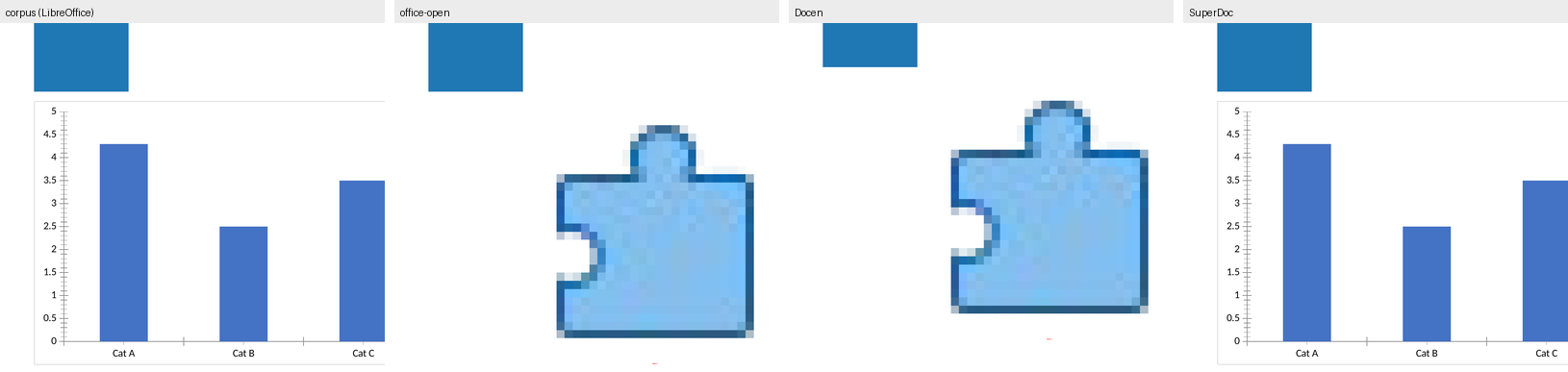
office-open and Docen both write a chart relationship that their own body
does not use. Their word/document.xml refers to the chart as
r:id="rId17" (office-open) and r:id="rId21" (Docen), and to the SmartArt's
four parts as r:dm="rId18", r:lo="rId19", r:qs="rId20", r:cs="rId21"
(office-open) — none of which are defined in
word/_rels/document.xml.rels. The original relationships survive, still
resolve, and nothing uses them.
Resolving every r:id / r:embed / r:dm / r:lo / r:qs / r:cs
against the .rels file of the part that uses it — the forward
direction — gives:
| Output | Dangling references |
|---|---|
| office-open | 5 |
| Docen | 5 |
| corpus, superdoc, folio, genoffice, eigenpal, wordcraft, fidus, canvas, docs.plus, plate, libreoffice | 0 |
A 99-check XML fidelity score, a schema validator, a content-types audit and a part-level diff all pass these two files. The forward resolution is five lines of Python and it finds them.
The visible consequence is large. In the corpus and in SuperDoc's rendering the chart's bars cover 48,163 pixels of LibreOffice's page; in office-open's and Docen's renderings the same area holds 144 — and what remains is LibreOffice's broken-object placeholder icon, a blue arrow-into-a-box, exactly where the chart should be.
5. The SmartArt: verified, not assumed
The previous draft of this report asserted:
Word does not draw the corpus's SmartArt at all — an A/B test (one construct removed at a time, rendered in Word) proves Word reserves the space and draws nothing, so I report that as a corpus limitation rather than an editor loss.
That claim was challenged, and the challenge was right to be made: the original A/B evidence could not distinguish "Word draws nothing" from "Word draws something and the A/B measurement missed it". The claim has now been re-verified with a positive control, and it survives. The reasoning is set out in full below, including the one control that turned out to be inconclusive and is reported as inconclusive.
5.1 What the corpus actually contains
The corpus has exactly one SmartArt. Its drawing element is:
<w:drawing><wp:inline distT="0" distB="0" distL="0" distR="0">
  <wp:extent cx="5486400" cy="3200400"/>
  <wp:docPr id="3" name="Diagram 1"/>
  <a:graphic><a:graphicData uri="http://schemas.openxmlformats.org/drawingml/2006/diagram">
    <dgm:relIds r:dm="rIdDgmData" r:lo="rIdDgmLayout"
                r:qs="rIdDgmQuickStyle" r:cs="rIdDgmColors"/>
  </a:graphicData></a:graphic>
</wp:inline></w:drawing>
5486400 × 3200400 EMU is 6.0 in × 3.5 in. The four referenced parts are
word/diagrams/data1.xml (1,489 bytes), layout1.xml (804 bytes),
quickStyle1.xml (916 bytes) and colors1.xml (652 bytes). data1.xml
contains the strings "Step one" and "Step two". There is no dsp
(diagram drawing) part — the cached rendering that Word writes for a
diagram it has laid out — and no dgm:dataModelExt in data1.xml to point
at one.
5.2 Where the band is, and how it is measured
The band cannot be assumed from wp:extent, because Word scales the page by
0.7485 to make room for the comment-balloon panel (§1.4). The band was
therefore located empirically: a variant was built in which the SmartArt was
replaced by a PNG of the same nominal extent — white inside, black border —
and the two renderings were differenced.
The band is on page 4, at pixels (152, 445) – (1049, 968) at 200 dpi: 897 × 523 px = 469,131 px, i.e. 4.49 in × 2.62 in as rendered.
5.3 The measurement
| Quantity | Value |
|---|---|
| Area of the SmartArt band in Word's rendering | 469,131 px |
| Non-white pixels in that band in Word's rendering | 0 |
| Non-white pixels in the same band in the border-control rendering | 28,000 |
| Differing pixels, corpus vs border control, whole page | 28,151 |
| of which outside the band | 151, at (376, 986) – (377, 1137) |
Zero. The band is not "mostly blank" or "nearly blank" — it contains no
pixel below the 245 threshold anywhere in its 469,131 pixels. Every
differing pixel inside the band is the control's own border; the
151 differing pixels outside it are one vertical edge below the band,
which Word draws a pixel to the side when the diagram is replaced — the same
edge moves when the w14 run or the picture is removed (§6.3). They are not in
the band and do not enter the measurement.
5.4 The positive control — the part the original draft was missing
A measurement that reports zero is worthless without proof that it could report a non-zero. The same band was therefore filled with a checkerboard of the same nominal size, with everything else in the corpus untouched, and the two renderings were differenced:
| Control | What was substituted | Differing pixels | Where |
|---|---|---|---|
| checkerboard | the SmartArt, same extent | 269,641 | page 4, bbox (152, 445) – (1049, 968) |
| bordered box | the SmartArt, same extent | 28,000 | page 4, bbox (152, 445) – (1049, 968) |
269,641 pixels. The method detects ink in that band with enormous sensitivity. The zero is a real zero, not a blind spot.
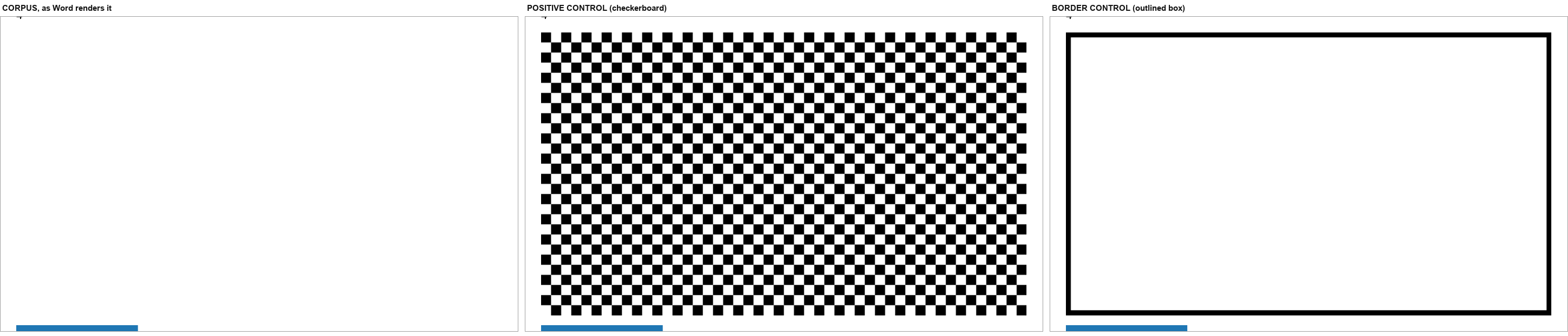
Left to right: the corpus as Word renders it — empty; the checkerboard positive control — 269,641 pixels detected; the border control — 28,000 pixels, all of them the control's own border.
5.5 Two more controls, one of which is inconclusive
dgm_marker — does Word render the diagram from its data? The corpus was
modified so that data1.xml says ZQSMARTARTMARKERQZ instead of "Step one"
and ZQSMARTARTMARKER2QZ instead of "Step two". Nothing else changed, so the
layout is identical.
Result: zero pixels changed on the page, band included. The marker text does not appear anywhere on the page. Word is not drawing this diagram from its data.
dgm_cached — does Word render a supplied cached drawing? The corpus was
extended with a word/diagrams/drawing1.xml containing a dsp:drawing with a
rectangle and the text "CACHEDDGM", wired up the way Word wires it:
dgm:extLst / dgm:dataModelExt in data1.xml, with the relationship in
word/diagrams/_rels/data1.xml.rels (not the document's rels), plus the
diagramDrawing+xml content-type override.
Result: zero pixels changed on the page, band included. Word did not draw the injected cached drawing either.
This control is inconclusive, and is reported as inconclusive. The
injected shape carries modelId {11111111-1111-1111-1111-111111111111},
which matches no point in data1.xml's data model — Word binds cached
shapes to their data-model points, so an unmatched modelId is a reasonable
reason for the drawing to be ignored. The control therefore does not
establish that Word ignores cached drawings in general; it establishes only
that this cached drawing was not drawn. It is reported here because the
honest result of a control is still a result, and because the primary claim
does not depend on it.
An artefact of earlier editions. At 110 dpi both dgm_marker and
dgm_cached differed from the corpus by 83 pixels, a one-pixel sliver at the
right edge of the blue OLE rectangle. At 200 dpi both match the corpus page
to the pixel, so the sliver was a rasterisation artefact, as this report said
at the time; it never touched the SmartArt band.
5.6 The space is genuinely reserved — in Word, in LibreOffice and in Docxodus
"Draws nothing" is only interesting if the space is nonetheless taken up. That was measured by removing the SmartArt from the body entirely and re-rendering.
In Word: with the SmartArt removed, the blue OLE object moves up a page. Counting the pixels in its colour, page 4 goes from 33,824 to 0 and page 3 from 34,968 (the picture) to 68,568 (the picture and the OLE object); the page-3 diff bbox is (152, 1475) – (377, 1625). The document reflows because the band was holding 523 px of vertical space at 200 dpi.
In LibreOffice: the same removal changes page 3 (61,945 differing pixels) and page 4 (91,573 differing pixels), and the OLE object likewise moves up. LibreOffice reserves the band too, and draws nothing in it.
In Docxodus, independently and for the same reason. Docxodus reserves a
band of the same size and draws a yellow box labelled "[SMARTART]" in it
— not the diagram, but the space, with an explanation. Its render report
names the construct: unsupportedContent → {elementName: "relIds", contentType: "Other", action: "placeholder"}. relIds is the element that
binds a body drawing to the four diagram parts, and it is precisely the
element the corpus's stub diagram parts cannot satisfy.
Three renderers, three stacks — a commercial Word layout engine, LibreOffice and a .NET OpenXML SDK on WebAssembly — reach the same conclusion about the same bytes. None of them can draw this diagram; all three take up the room it asks for.
5.7 Why Word draws nothing — the diagram parts are stubs
The corpus's four diagram parts are hand-written minimal XML, not the output of Word's SmartArt authoring:
layout1.xml(804 bytes) declares a layout with a singledgm:layoutNodewhose shape istype="none"and which has no child nodes, noforEach/presOfconstraints and noalgbeyondhierRoot. There is nothing in it for a layout engine to lay out.data1.xml(1,489 bytes) has three points — the document point and two content points — and both content points are markedphldr="1", i.e. placeholders.quickStyle1.xmlandcolors1.xmldefine exactly one style label each, namednode0, and neither defines a label matching the content points.- There is no
dspcached drawing part at all.
So the corpus's SmartArt is not a diagram Word chooses not to draw; it is a diagram that carries no drawable content, and Word reserves the space that its extent asks for and draws nothing.
5.8 The verdict
The claim survives, and it is now stronger than the original draft made it. Word reserves a 4.49 in × 2.62 in band and draws zero pixels in it; a positive control in the same band detects 269,641 pixels; changing the diagram's data changes nothing on the page; and removing the diagram proves the space was reserved all along.
The correct classification is therefore a corpus limitation, not an editor
loss. No editor can be said to have "dropped" the SmartArt, because there
was never anything there to drop — and three editors, GenOffice, eigenpal and
Docxodus, in fact show more than Word does, by replacing the empty band
with a labelled placeholder. Docxodus goes furthest of the three: it names
the element that defeated it (relIds), in a machine-readable
unsupportedContent entry, in its own export report.
6. The quantitative layer: pixels
This layer asks the round-trip question: if each editor's exported DOCX is opened by Word, how close is the result to what Word shows for the original? It is measured in differing pixels at a threshold of 8/255 on greyscale, page by page, against Word's own 200 dpi rendering of the corpus.
6.1 When Word can open the output
| Output | Word pages | Differing pixels | As % of corpus ink | Verdict |
|---|---|---|---|---|
| SuperDoc | 6 | 0 | 0.00% | pixel-identical |
| eigenpal | 6 | 0 | 0.00% | pixel-identical |
| GenOffice | 6 | 2,520 | 0.05% | pixel-identical |
| Docxodus | 6 | 0 | 0.00% | pixel-identical |
| Apryse WebViewer (trial stamp in the headers) | 6 | 2,119 | 0.04% | pixel-identical |
| WordCraft | 6 | 28,837 | 0.53% | very close |
| LibreOffice (baseline) | 6 | 30,456 | 0.56% | very close |
| canvas-editor | 2 | 42,093,528 | 772.25% | different |
| docs.plus | 2 | 41,970,145 | 769.99% | different |
| Plate.js | 2 | 42,033,653 | 771.15% | different |
| Folio | — | — | — | Word refused the file |
| office-open | — | — | — | Word refused the file |
| Docen | — | — | — | Word refused the file |
| Fidus Writer | — | — | — | Word refused the file |
SuperDoc, eigenpal and Docxodus differ from Word's rendering of the corpus by 0, 0 and 0 pixels across six pages, and GenOffice by 2,520 (0.05% of the corpus's ink). Earlier editions measured 83 pixels for SuperDoc and Docxodus, a rounding artefact on page 4 that this edition's Word pass does not reproduce. WordCraft and LibreOffice sit at 0.53% and 0.56% and differ in the same place: the chart, which both redraw from their own model.
Apryse's output renders pixel-identical in Word (2,119 pixels, 0.04% of the corpus's ink), trial stamp included. The stamp is in the headers Apryse adds (27 parts carry it), so this row measures a stamped file, as every Apryse figure in the trial does.
Docxodus is in the top group, and it got there without a rendering engine of its own. Its round trip re-serialises ten XML parts through the .NET OpenXML SDK, and when Word opens the result it draws the corpus's page to within 0 pixels, as SuperDoc does (0). A perfect namespace census, zero changed parts and a pixel-identical Word rendering are three different claims, and Docxodus is the only tool in the study that makes all three at once.
6.2 When Word cannot open the output
Four outputs are refused by Microsoft Word 16.115 — Folio, office-open, Docen and Fidus Writer. There is no Word rendering to compare them against, and that is the answer for those four: it is not a rendering, because the file does not open. LibreOffice can open all four and provides the only rendering available.
| Output | LO pages | Differing pixels | As % of corpus ink | Verdict |
|---|---|---|---|---|
| SuperDoc | 6 | 0 | 0.00% | pixel-identical |
| Folio | 6 | 0 | 0.00% | pixel-identical |
| eigenpal | 6 | 0 | 0.00% | pixel-identical |
| Docxodus | 6 | 0 | 0.00% | pixel-identical |
| LibreOffice (baseline) | 6 | 888 | 0.16% | pixel-identical |
| GenOffice | 6 | 4,232 | 0.74% | very close |
| Apryse WebViewer (trial stamp in the headers) | 6 | 24,540 | 4.32% | very close |
| WordCraft | 6 | 64,849 | 11.41% | close |
| office-open | 6 | 368,315 | 64.80% | different |
| Docen | 6 | 708,667 | 124.68% | different |
| Fidus Writer | 2 | — | — | different |
| canvas-editor | 2 | — | — | different |
| docs.plus | 3 | — | — | different |
| Plate.js | 2 | — | — | different |
Folio's rendering is pixel-identical to the corpus's — and Word will not open the file. That is the sharpest single statement this study can make about the difference between the three axes: Folio's rendering is perfect, Folio's pass-through is the highest in the study, and Folio's output is a file Microsoft Word rejects.
Docxodus is the only tool that is on the good side of all three axes at once. Its LibreOffice render is pixel-identical to the corpus's — 0 differing pixels on all six pages, where even LibreOffice's own round trip of the corpus leaves 888 — and Word opens its output and Word's render of that output is pixel-identical too.
office-open and Docen's large LibreOffice deltas are entirely the dangling chart reference of §4.3.
6.3 The A/B control: one construct removed at a time
The only way to attribute a pixel difference to a specific construct is to
remove that construct and re-render. Seven variants of the corpus were built,
each with exactly one construct deleted from word/document.xml, and each
was rendered by Word itself.
| Variant | Construct removed | Word PDF bytes | Δ | Differing pixels at 200 dpi |
|---|---|---|---|---|
| corpus | — | 161,459 | — | — |
no_w14 |
the w14:textOutline run |
150,473 | −10,986 | 4,714 on page 2 + 151 on page 4 |
no_chart |
the chart | 156,766 | −4,693 | 130,125 on page 3 + 54,299 on page 4 |
no_math |
the OMML equation | 159,228 | −2,231 | 8,827 on page 4, bbox (152, 986) – (690, 1546) |
no_wps |
the wps text box |
160,881 | −578 | 19,341 on page 4, bbox (152, 986) – (690, 1544) |
no_ole |
the OLE object | 161,268 | −191 | 53,237 on page 4, bbox (152, 986) – (690, 1544) |
no_pic |
the picture | 161,258 | −201 | 133,983 on page 3 + 151 on page 4 |
no_dgm |
the SmartArt | 161,325 | −134 | 33,750 on page 3 + 54,299 on page 4 — all of it reflow |
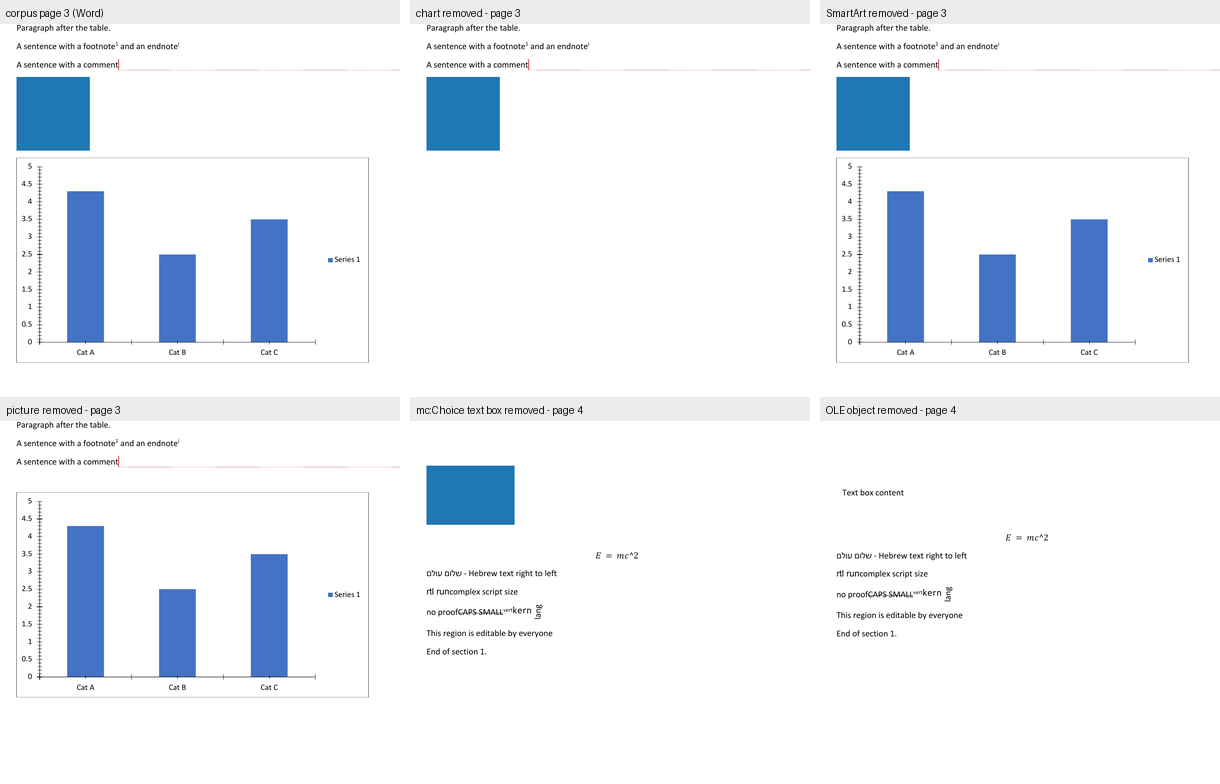
Three entries in that table are the point of the whole method.
no_w14andno_mathare the constructs a text extractor cannot see. Removing thew14:textOutlinerun changes 4,714 pixels on page 2 and removing the equation changes 8,827 pixels on page 4 — both invisible inpdftotextand inmutool draw -F txt. A text-diff comparison would have reported both as MISSING in the corpus, when Word draws them perfectly well.no_dgmchanges 88,049 pixels — and every one of them is reflow. Pages 1, 2, 5 and 6 are bit-identical. On page 3 the diff is at (152, 1475) – (377, 1625) and on page 4 at (152, 458) – (690, 1544): the blue OLE rectangle simply moves up a page. Nothing is drawn and nothing is un-drawn; the space is released. §5 proves this with a positive control.- Pixels and bytes rank the constructs differently. The
w14run has the largest byte delta (−10,986 bytes) and changes the fewest pixels (4,865); the picture changes 134,134 pixels for −201 bytes. Pixel difference measures visual area; byte difference measures information. Neither is a proxy for the other.
6.4 Why the reflow deltas are not the constructs' contributions
The no_dgm row above is the trap in A/B testing, and it generalises.
Removing any element reflows everything after it, so the page-4 diff
bbox (152, 458) – (690, 1544) for no_dgm is identical to no_chart's ((152, 458) – (690, 1544)) — the
two variants shift the same block of content by the same amount. A page-4
diff cannot be attributed to the construct that was removed from page 3.
The only diffs that can be attributed are the ones inside the construct's
own footprint, which is exactly why §5 locates the band empirically with a
same-size control rather than trusting the A/B numbers.
7. What this means
7.1 The three axes are independent, and this study is the proof
Parts A and A2 measured two different things: what an editor serialises
(how many of the corpus's 309 distinct w: names survive) and what it
passes through (how many of the 35 parts are copied verbatim). This part
measures a third: what an editor renders.
The three do not predict each other:
- Folio renders the corpus pixel-identically (0 differing pixels), passes through all 35 parts, and produces a file Microsoft Word refuses to open. Three perfect scores and a total failure.
- office-open and Docen pass through the whole package and their parse models are the most complete in the study — every construct retained — and yet their exports contain a dangling chart relationship that removes the chart from the page.
- GenOffice renders a labelled SmartArt band that Word leaves blank, and hides every deletion in the document.
- Fidus Writer renders the corpus's text but its document contains no table at all — and it still passes through 14 of the corpus's 35 parts on export, and exports a file Word refuses to open.
- Docxodus is the counter-example that proves the three axes can line
up: it serialises every one of the corpus's 309
w:names, passes through all 35 parts with zero changed and zero dropped, and renders a page Word then reproduces pixel-identically. It is the only tool in the study that is good on all three axes, and it got there by being an OOXML SDK rather than a document editor.
A "round-trip fidelity" score cannot be read off a rendering. An editor can be a perfect renderer and a broken writer (Folio), a complete reader and a broken writer (office-open), or a reader that shows the reader more than Word does (GenOffice).
7.2 What the UI layer shows that the pixel layer cannot
The pixel layer (§6) compares an editor's exported file. The UI layer (§2, §3) compares what the editor displays. Five findings exist only in the UI layer:
- Docen's chart is not the corpus's chart. Its exported file keeps the chart part, and the chart's bar heights and category labels are right — so the pixel layer would score Docen as "chart present". Its UI draws three coloured series with a three-entry legend, which is a different chart.
- Folio does not draw the chart at all, even though its exported file keeps the chart part. A package-presence check would say "Folio kept the chart"; only the screenshot shows there is no chart on the page.
- GenOffice, eigenpal and Docxodus show more than Word in the SmartArt band. Nothing in the package or the pixel layer can detect a difference in information shown.
- Canvas-Editor crashes. No package metric can express "the application throws on this document and shows only the header and footer".
- Fidus Writer's rendered document has no table in it. Its export keeps 14 of the corpus's 35 parts, so the package layer scores it as "a document with most of the corpus in it" — only the editor's own DOM says the table is simply not there.
- Docxodus's own renderer shows a "[MATH]" chip where Word typesets the equation, and adds inline "Formatted: Font: Bold, Not Italic" annotations to format changes, and puts a space between a literal run and a field's result ("Footer text page 3" where Word writes "Footer text page3"). Its package is byte-faithful; its render is not. The pixel layer, which measures the package, would score it perfect.
7.3 Where the two layers disagree — published, not reconciled
| Question | UI layer | Package / pixel layer |
|---|---|---|
| Does the editor show a chart? | Folio, Plate.js, docs.plus, Fidus Writer: no. Docen: yes, but wrong. Docxodus: yes, without axis ticks. | Folio, Plate.js and docs.plus keep no chart part at all — here the two layers agree, for once. |
| Does the editor show the deleted row? | LibreOffice, Plate.js, docs.plus: no. Docen, SuperDoc, eigenpal, GenOffice, Docxodus: yes. | LibreOffice keeps the deleted row's markup in the package. |
| Does the editor show the equation? | Folio, Docen, docs.plus: no. WordCraft, eigenpal, LibreOffice, Plate.js: yes. Docxodus: a "[MATH]" chip, not the equation. | Word, GenOffice, office-open and others all keep the equation in the package. |
| Does the editor show the comment body? | Folio, Docxodus: yes. Docen, eigenpal, Plate.js, docs.plus: no. | Most editors keep the comments part. |
| Is the SmartArt drawn? | GenOffice, eigenpal, Docxodus: something is drawn. | Word: nothing is drawn — 0 px in 469,131 px. |
| Does the editor render the altChunk? | Docxodus: no — altchunk_not_supported. |
Docxodus keeps the altChunk part, all 35 parts. |
Five of the seven rows are cases where an editor keeps a construct in its file and does not show it. That is the sharpest practical finding in this report: package preservation and rendering are different capabilities, and only the screenshot distinguishes them.
7.4 What to do about it
- If you are choosing an editor for Word fidelity, look at the UI screenshots, not the export statistics. SuperDoc, Folio, GenOffice and eigenpal all export a file that Word renders almost identically — but Folio shows no chart, and GenOffice shows a SmartArt band that Word does not.
- If you are validating a converter, the forward relationship check (§4.3) is the cheapest defect finder in this report: five lines of Python, and it finds a defect that a 99-check fidelity score, a schema validator, a content-types audit and a part-level diff all pass.
- If you are building a test corpus, a construct that the reference application does not draw is a trap. The corpus's SmartArt cost this study a re-verification cycle (§5) and would mislead anyone who assumed "in the file" meant "on the page".
Reproducing this
Every number in this report comes from a script in build/, and every
screenshot from harness/ui/.
# 1. the corpus
build/make_fixture.py                        # writes fixture/complex.docx

# 2. Word's own rendering (the reference)
build/word_pdf.py out/render/word fixture/complex.docx
build/word_pages.py out/render                # -> out/render/png_word/corpus-*.png

# 3. the SmartArt verification (section 5), at build/pixels.py's DPI
python3 build/smartart_controls.py fixture/complex.docx out/smartart
build/word_pdf.py out/smartart/pdf out/smartart/dgm_pic_border.docx \
                                  out/smartart/dgm_pic_checker.docx \
                                  out/smartart/dgm_marker.docx \
                                  out/smartart/dgm_cached.docx
python3 build/raster_controls.py                    # out/smartart/png, out/ab/png
uv run --script build/smartart_verify.py            # -> out/smartart/verify.json

# 4. the A/B variants and the pixel comparisons (section 6)
build/ab_test.py
build/release_word.sh pixels                        # Word's layer, twice
uv run --script build/lo_render_compare.py          # LibreOffice's layer
uv run --script build/construct_presence.py
python3 build/render_inventory.py                   # section 4.1's package table

# 5. the forward relationship check (section 4.3)
python3 build/rel_forward.py

# 6. hosting the editors and capturing the screenshots
cd harness/ui
node shot.mjs --name superdoc --url http://127.0.0.1:5199/ \
     --serve-as /sample.docx --file ../../fixture/complex.docx \
     --viewport 1440x1400 --wait 12000 --outdir ../../out/ui
# ... one per editor; the per-editor recipes are in the table below

# 7. the comparison figures and the tables
uv run --script build/ui_figures.py
python3 build/facts.py && python3 build/render_reports.py   # every table is a fact

# 8. building this document
bash build/make_report.sh "reports/Report C - Rendering Versus Word (2026).md"
python3 build/validate_ooxml.py "reports/Report C - Rendering Versus Word (2026).docx" --all
python3 build/verify_deliverables.py
The per-editor recipes
Every capture is node shot.mjs from harness/ui/, with the host app
already running. --serve-as answers a request path with the corpus bytes
instead of the file on disk, so the repo is never touched; --file sets a
file input; --probe runs a module that drives the application; and
--scroll-text scrolls to a string matched against innerText. A capture
whose readiness wait, scroll target or probe misses is a failed capture
(exit 4), never a figure: until v0.9.2 a miss still printed "OK", and
Apryse's "page 3" figure was its page 1.
| Editor | Host | Capture |
|---|---|---|
| SuperDoc | repos/superdoc/examples/vanilla, vite 5199 |
--serve-as /sample.docx --file ../../fixture/complex.docx --wait 12000 |
| Folio | repos/folio/packages/playground, vite 5207 |
--serve-as /fixtures/… |
| GenOffice | repos/genoffice/apps/docs renderer, vite 5201, with a window.desktop stub |
--serve-as |
| eigenpal | repos/eigenpal-docx-editor/examples/vite, vite 5206 |
--file matched on the input's accept attribute |
| Docen | repos/docen/packages/editor, vp dev 5202 |
--file on the input inside the shadow root |
| Office-Open | host page under harness/ui/officeopen/ calling parseDocument() |
--probe |
| WordCraft | repos/wordcraft/target/release/wordcraft-cli render |
native render, --page 3 |
| Canvas-Editor | host under harness/ui/canvas/, core + DOCX plugin aliased to repo source |
--probe |
| Plate.js | host under harness/ui/plate/, vite 5208, platejs aliased to repo source |
--serve-as /corpus.docx --file ../../fixture/complex.docx |
| docs.plus | repos/docs-plus/apps/webapp, next dev 5205, + a REST stub on :4000 calling the repo's own importDocx |
--probe docsplus/probe_import.mjs |
| Fidus Writer | repos/fiduswriter/fiduswriter, manage.py runserver 127.0.0.1:5209 |
--probe fidus/probe_load.mjs |
| LibreOffice | soffice --convert-to pdf |
the application's own rendered pages |
| Docxodus | the published npm package docxodus@15.0.0 under harness/ui/docxodus/, driven by its own CLI @docxodus/export@15.0.0 |
docxodus convert … --to html (and again --to pdf); the standalone HTML is then photographed with --probe docxodus/probe_scroll_page.mjs and DX_PAGE=1|3|4 |
| Apryse WebViewer | host page under harness/apryse/ (@pdftron/webviewer@12.2.1, trial key from .env), vite 5210 |
--serve-as /sample.docx --probe apryse/probe.mjs with APRYSE_SCROLL = the page-3 or page-4 line (the pages are a canvas, so WebViewer's own page text is searched); --probe apryse/probe_comments.mjs opens the comments panel |
Three host-specific prerequisites are easy to lose. Fidus Writer's frontend
build needs a GNU-cp shim (the generated postinstall uses
cp --preserve=mode, which macOS rejects), libmagic (brew install libmagic, for bundle_mathlive) and the hostname localhost rather
than 127.0.0.1 (Django's ALLOWED_HOSTS is ["localhost"] only). docs.plus
needs its Supabase backend up or isVisitor() short-circuits the import, and
its file input is created imperatively, so the probe must use the
filechooser event rather than --file. Docxodus needs a static font
directory — the product rejects a directory containing a variable font, so
LibreOffice's fonts/truetype (which has one) cannot be passed whole and
Carlito/Caladea/Liberation must be staged individually — and it needs a
Chromium binary, which here is the machine's existing Playwright Chrome for
Testing rather than the package's own pinned download.
The pixel tooling declares Pillow in its own header (PEP 723), because the
system Python on this machine is PEP-668 managed: run those scripts with
uv run --script, which builds their environment; no side venv is needed.
Two traps that will corrupt a re-run.
- Word automation must never run concurrently with another Word batch. A busy
Word queues the Apple Event and never executes it, and the run reports a
false REFUSED.
build/word_pdf.pyrestarts Word before each file. - The
repos/tree is read-only. Host applications for the editors live underharness/ui/<editor>/, Vite'scacheDirpoints outsiderepos/, and build output goes to gitignoreddist/directories.
Gaps and honest limits
1. Office-Open has no user interface. What §2.6 shows is its parse model, rendered by a host page written for this study. The construct fidelity in that screenshot is Office-Open's; the page layout is the host's. It is the weakest of the "UI" claims in this report and is labelled as such wherever it is used.
2. One editor renders only part of the document, and one of its failures has a disclosed intervention.
- Fidus Writer is a Django + ProseMirror application whose bundled
frontend must be produced by
manage.py npm_installandmanage.py transpile --force, and which needed a GNU-cpshim, libmagic andlocalhostrather than127.0.0.1before it would serve at all. It then renders the corpus (§2.11) — but a DOM probe of the live editor finds no table, no chart, no SmartArt band, no OLE object, no equation and no text box, because Fidus's DOCX importer has now:tblhandling at all and drops the other five for specific, identified reasons. One intervention is disclosed in §2.11: Fidus's template-adjustment worker throws aRangeError(thetitlenode's schema declaresmarks: "annotation track", and the corpus's title carries an italic run), itsonerroronly logs it, and the "Updating document. Please wait…" cover is therefore never lifted. The probe lifts that cover — exactly whatdeactivateWait()does — so the render can be photographed. The cover's absence is the harness's; the document underneath is Fidus's. - Plate.js and docs.plus are captured (§2.9, §2.10). Both of their
captures report the product's own importer diagnostics, and those
diagnostics are themselves findings: Plate's importer reports 35 warnings
for this document and one comment with no importable range, and docs.plus's
importer reports the
o:OLEObject, theoMathParaand thew:altChunkas unrecognised.
2a. One host-fidelity caveat on the Plate.js capture. The host app runs Plate's real editor core, real DOCX importer and real React rendering pipeline, but the per-element React components (paragraph, table, cell, image, equation) are thin wrappers written for this study, because Plate's full component registry needs Next + Tailwind + Radix, which are not installable here. Every content-level finding in §2.9 is Plate's own importer's and renderer's; only the HTML tag and shape of each element were chosen by the host. The same caveat applies, more weakly, to the docs.plus host, where only the REST boundary is stood in for and the conversion itself is the product's.
3. Two editors paint into a <canvas>, so nothing about their rendering
can be read out of the DOM. Canvas-Editor's and Docen's text is not in the
light DOM, and the driver's DOM-text scroll cannot reach a later page in
either. Their later pages were reached through each application's own
scroll container instead. Anything this report says about a canvas-rendered
editor's content is a reading of the pixels, not of the model.
4. macOS screen capture is not permitted on this machine (screencapture
returns "could not create image from display", and System Events is denied
assistive access). For the four native or headless applications — Word,
WordCraft, LibreOffice and Docxodus — the "screenshot" is the application's
own rendered page, not a screen capture of its window. For the nine
browser-hosted editors it is a true screen capture of the running
application. The distinction is real: a native application's window chrome,
toolbar and scroll position are not in the artefact.
4a. Docxodus's artefact is the product's own materialised HTML, and two choices in producing it are disclosed. The browser was the machine's existing Playwright Chrome for Testing 156 rather than the export package's own pinned Chromium, and the fonts were Carlito, Caladea and Liberation — the metric-compatible substitutes for Calibri, Cambria and Arial that the product's own font policy names — rather than the real Microsoft fonts. Both choices change pixels slightly and neither changes structure: the page tree, the pagination and every construct-level verdict in §2.13 come from Docxodus's own layout engine, and the round trip in §2.13 uses the published WASM build of the .NET engine with no product code of this study's involved at all. The block editor was not captured — the study measured the materialiser, because the materialiser is the product's renderer and the editor is the same engine with an editing surface over it.
5. The measurements in §6 are of the exported files, and the four editors whose exports Word refuses have no Word-side rendering at all. LibreOffice is used as the only available renderer for those four, and LibreOffice is not Word. §6.2's numbers for Folio, office-open, Docen and Fidus Writer are therefore LibreOffice-vs-LibreOffice comparisons, and are labelled as such.
6. One control in §5 is inconclusive. The dgm_cached control — a
supplied cached dsp:drawing — was not drawn, but its modelId matches no
point in the data model, so it does not establish that Word ignores cached
drawings in general. It is reported as inconclusive, not as a finding.
7. The §3 table is a reading of screenshots. Where a cell says "yes",
a construct was visible in the captured view; where it says "—", it was not
visible. For constructs that the editor does not draw at all, that is
indistinguishable from a construct that is drawn outside the captured region,
and such cells are marked ? rather than "no". The Word-side column is
different in kind: it is measured against Word's own export, so a construct
Word does not draw can be stated as a fact.
8. The SmartArt band in §5 is located in Word's rendered page, where the page is scaled by 0.7485 for the comment-balloon panel. The band's nominal size is 6.0 in × 3.5 in; its rendered size is 4.49 in × 2.62 in. Both numbers are given, and the measured pixel counts refer to the rendered one.
9. No editor was tested with the fonts the document asks for. SuperDoc and eigenpal both report that Calibri and Calibri Light are missing and that fallback fonts are in use, which can move line and page breaks. Word has the same fonts available on this machine; the other editors do not. A reader comparing the screenshots should discount small pagination differences accordingly — and note that the pixel measurements in §6.1 were made on the exported files opened by Word, where the fonts are correct.